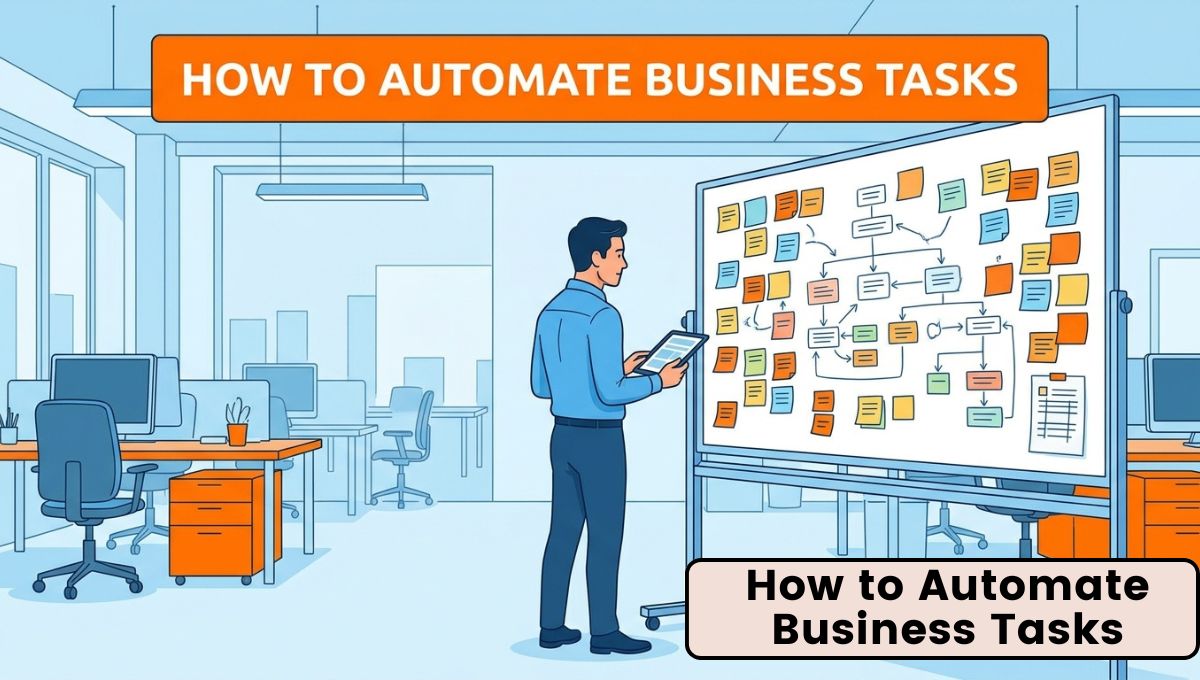
Running a successful business involves handling dozens of daily tasks, from responding to customer emails and processing invoices to managing employees, updating records, tracking sales, and creating reports. While these activities are essential, many of them are repetitive and consume valuable time that could be spent on business growth, customer relationships, and strategic planning.
Thanks to Artificial Intelligence (AI) and workflow automation, businesses can now automate many routine tasks without sacrificing quality or accuracy. Modern automation tools allow organizations to streamline operations, reduce manual work, minimize human errors, and improve productivity. Whether you own a small business, manage a startup, operate an online store, or lead a large enterprise, learning How to Automate Business Tasks can significantly improve efficiency while reducing operational costs.

Business automation is no longer limited to large corporations with dedicated IT departments. Today, affordable cloud-based AI platforms enable businesses of every size to automate emails, customer support, invoicing, appointment scheduling, inventory updates, employee onboarding, document processing, marketing campaigns, and many other daily operations.
This guide explains what business automation is, why it matters, which business tasks should be automated, the tools available, implementation steps, practical examples, common mistakes to avoid, and best practices for building efficient automated workflows.
What Is Business Task Automation?

Business task automation refers to using software, artificial intelligence, and workflow automation platforms to complete repetitive business activities with minimal human involvement. Instead of employees manually performing the same tasks every day, automation systems execute those tasks automatically according to predefined workflows and intelligent decision-making rules.
Modern Business Task Automation combines technologies such as Artificial Intelligence (AI), Machine Learning (ML), Robotic Process Automation (RPA), Natural Language Processing (NLP), Optical Character Recognition (OCR), and workflow automation.
For example, when a customer submits an inquiry through your website, an automated system can instantly create a customer record, send a confirmation email, notify your sales team, schedule a follow-up reminder, and update your CRM—all without manual effort.
Automation allows businesses to complete routine work faster while enabling employees to focus on activities that require creativity, expertise, and strategic thinking.
Why Businesses Should Automate Daily Tasks
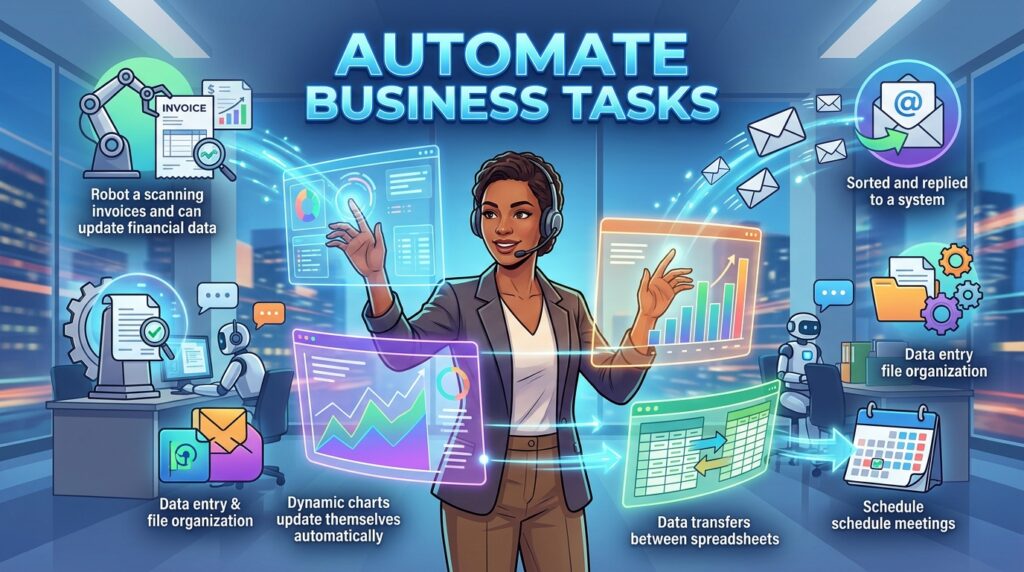
Every business has limited time, money, and human resources. As companies grow, the number of repetitive administrative tasks also increases. Employees often spend hours entering data, replying to common emails, organizing files, preparing reports, processing invoices, scheduling meetings, updating spreadsheets, and tracking customer information.
Automating these tasks offers several important advantages:
- Saves valuable employee time
- Reduces repetitive manual work
- Improves operational efficiency
- Minimizes human errors
- Speeds up customer response times
- Improves employee productivity
- Reduces operational costs
- Increases business scalability
- Improves consistency across processes
- Enables faster decision-making
Automation helps businesses operate more efficiently without increasing workload or staffing requirements.
Common Business Tasks That Can Be Automated
Many daily business activities are suitable for automation.
| Business Function | Tasks That Can Be Automated |
|---|---|
| Customer Support | Chatbots, ticket routing, FAQs |
| Sales | Lead management, CRM updates, follow-ups |
| Marketing | Email campaigns, social media scheduling |
| Finance | Invoice generation, expense tracking, reporting |
| Human Resources | Recruitment, onboarding, attendance |
| Operations | Inventory updates, order processing |
| Administration | File management, approvals, reminders |
| Project Management | Task creation, deadline tracking |
| Document Management | Document generation and approvals |
| Reporting | KPI dashboards and analytics |
Automating these functions improves efficiency across the organization while reducing repetitive administrative work.
Step 1: Identify Repetitive Tasks
The first step in business automation is identifying activities that employees perform repeatedly. These tasks usually follow predictable processes and consume significant time.
Examples include:
- Sending confirmation emails
- Entering customer information
- Creating invoices
- Scheduling appointments
- Processing expense reports
- Updating CRM systems
- Generating weekly reports
- Tracking inventory
- Organizing project files
- Sending payment reminders
Documenting these repetitive activities helps determine which processes will benefit most from automation.
Step 2: Map Existing Workflows
Before automating a task, understand how the current process works.
Create a workflow diagram that identifies:
- What starts the process
- Who performs each task
- Which software is involved
- What decisions are made
- Where delays occur
- Which information is transferred
- What the final outcome should be
Workflow mapping helps eliminate unnecessary steps before automation begins.
Step 3: Choose the Right Automation Tools
Different automation platforms serve different business needs.
| Tool Category | Best For |
|---|---|
| Workflow Automation | Zapier, Make, Power Automate |
| CRM Automation | HubSpot, Salesforce |
| Project Management | ClickUp, Monday.com, Asana |
| Accounting | QuickBooks, Xero |
| Communication | Slack, Microsoft Teams |
| AI Assistants | ChatGPT, Claude, Gemini |
| Meeting Automation | Fireflies.ai, Otter.ai |
| Document Management | Notion AI, Google Workspace |
Choose tools that integrate with your existing software to avoid creating disconnected workflows.
Step 4: Automate Customer Communication
Customer communication is one of the easiest areas to automate.
Businesses can automatically:
- Send welcome emails
- Confirm appointments
- Respond to common inquiries
- Send order updates
- Deliver payment reminders
- Share support ticket updates
- Request customer feedback
AI-powered chatbots also provide instant assistance while reducing support workloads.
Step 5: Automate Sales Processes
Sales teams spend significant time updating CRM systems and following up with prospects.
Automation can:
- Capture website leads
- Assign leads to sales representatives
- Schedule follow-up emails
- Update CRM records
- Notify sales managers
- Track customer interactions
- Generate sales reports
These workflows ensure every opportunity receives timely attention.
Step 6: Automate Marketing Activities
Marketing departments manage numerous repetitive tasks.
AI automation helps with:
- Email campaigns
- Social media scheduling
- Lead nurturing
- Customer segmentation
- Advertising optimization
- Newsletter creation
- Performance reporting
Automation enables personalized marketing at scale while reducing manual effort.
Step 7: Automate Financial Operations
Finance teams can automate:
- Invoice generation
- Expense approvals
- Payment reminders
- Financial reporting
- Budget tracking
- Tax calculations
- Cash flow monitoring
- Purchase approvals
Automated financial workflows improve accuracy while reducing administrative work.
Step 8: Automate Human Resources
HR departments handle numerous repetitive processes.
Automation supports:
- Resume screening
- Interview scheduling
- Employee onboarding
- Attendance tracking
- Payroll processing
- Performance reviews
- Employee surveys
- Internal communication
These workflows improve employee experiences while reducing HR administration.
Step 9: Automate Document Management
Businesses create and process hundreds of documents each month.
AI document automation can:
- Generate contracts
- Process invoices
- Extract information using OCR
- Route approvals
- Organize digital files
- Create reports
- Archive completed documents
This improves document accuracy while reducing paperwork.
Step 10: Monitor and Improve Automation
Automation should not be considered complete after deployment.
Businesses should regularly monitor:
- Workflow speed
- Error rates
- Customer satisfaction
- Employee productivity
- Automation success rate
- Cost savings
- Process bottlenecks
Continuous improvement ensures automation remains effective as business requirements evolve.
Real-World Business Automation Examples

Businesses across industries successfully automate routine operations.
Retail
- Order confirmation
- Inventory updates
- Shipping notifications
- Customer reviews
- Loyalty rewards
Healthcare
- Appointment scheduling
- Patient reminders
- Medical records
- Insurance verification
Education
- Student admissions
- Attendance tracking
- Assignment reminders
- Course recommendations
Finance
- Invoice approvals
- Fraud detection
- Expense management
- Financial reporting
Human Resources
- Recruitment
- Employee onboarding
- Leave approvals
- Payroll processing
These examples demonstrate the versatility of automation across industries.
Best AI Tools for Business Automation
Many AI-powered platforms simplify business automation.
| AI Tool | Primary Purpose |
|---|---|
| Zapier AI | Workflow automation |
| Make | Business process automation |
| Microsoft Power Automate | Enterprise automation |
| HubSpot AI | CRM and marketing |
| Salesforce Einstein | Sales automation |
| ClickUp AI | Project management |
| Notion AI | Documentation |
| ChatGPT | Writing and automation assistance |
| Claude | Long-form documents |
| Google Gemini | Productivity |
| Fireflies.ai | Meeting automation |
| Otter.ai | Meeting transcription |
| Monday AI | Workflow management |
| Airtable AI | Database automation |
| QuickBooks AI | Accounting automation |
Selecting the right tools depends on your business size, budget, and operational needs.
Benefits of Automating Business Tasks
Businesses implementing automation often experience significant improvements.
- Faster operations
- Higher productivity
- Lower operational costs
- Improved customer experience
- Better employee satisfaction
- Fewer manual errors
- Better collaboration
- Improved reporting
- Greater scalability
- More efficient resource utilization
These benefits support long-term business growth while improving operational efficiency.
Common Mistakes to Avoid
Businesses should avoid several common automation mistakes.
- Automating inefficient processes without improvement
- Choosing too many disconnected tools
- Ignoring employee training
- Automating highly complex decisions too early
- Neglecting security and privacy
- Failing to monitor workflow performance
- Overlooking customer experience
Proper planning significantly improves automation success.
Best Practices for Successful Business Automation
Organizations can maximize results by following these best practices.
- Start with simple repetitive tasks.
- Automate one process at a time.
- Choose scalable software.
- Integrate existing business systems.
- Protect confidential information.
- Train employees thoroughly.
- Measure automation performance regularly.
- Continuously improve workflows.
These practices help businesses build reliable, efficient, and scalable automation systems.
Future of Business Automation
Business automation will continue evolving through intelligent AI agents, predictive analytics, conversational AI, autonomous workflows, and deeper integration between business applications.
Future automation platforms will require even less manual configuration while delivering more intelligent decision-making capabilities. Businesses that adopt automation early will be better prepared to compete in an increasingly digital economy.
Conclusion
Learning How to Automate Business Tasks is becoming essential for organizations seeking greater efficiency, lower operational costs, and improved productivity. By identifying repetitive work, selecting appropriate automation tools, and continuously optimizing workflows, businesses can streamline daily operations while allowing employees to focus on innovation and strategic growth.
The increasing adoption of Business Task Automation demonstrates that automation is no longer a luxury reserved for large enterprises. Companies of every size can now use AI-powered tools to automate routine operations, improve customer experiences, and build more agile, scalable, and future-ready businesses.