
In 2026, the rise of artificial intelligence has completely changed how individuals and businesses approach daily work. From writing content and managing projects to automating workflows and analyzing data, AI tools for business productivity are now at the center of modern operations. However, with so many tools available in the market, choosing the right one has become increasingly difficult.
Each AI tool is designed with a specific purpose in mind. Some focus on communication and content generation, while others specialize in automation, analytics, or team collaboration. This makes it essential for users to understand not just what each tool does, but how it fits into their workflow. Selecting the wrong tool can lead to inefficiencies, unnecessary costs, and poor results.

This article provides a clear and detailed comparison of the most widely used business automation tools in 2026, helping you decide which one is best suited for your needs.
Why Choosing the Right AI Tool Matters
The growing adoption of AI in business has made productivity tools more powerful than ever before. However, not all tools deliver the same value. The effectiveness of an AI tool depends on how well it aligns with your specific requirements.
For example, a content creator may benefit more from a writing-focused AI tool, while a business owner might need automation tools to streamline operations. Similarly, large organizations may prioritize integration and scalability, whereas small teams may focus on ease of use and affordability.
Choosing the right AI tool helps in:
- Saving time on repetitive tasks
- Reducing operational costs
- Improving accuracy and efficiency
- Enhancing team collaboration
- Making faster, data-driven decisions
Without proper selection, businesses may end up using multiple tools unnecessarily, which can complicate workflows instead of simplifying them.
Key Criteria for Comparing AI Tools
Before diving into specific tools, it is important to understand the key factors that determine their effectiveness. These criteria help users evaluate which tool is most suitable for their use case.
- Primary Function: Whether the tool is designed for writing, automation, analytics, or collaboration
- Ease of Use: The level of technical knowledge required to operate the tool
- Integration Capability: Ability to connect with other software like email, CRM, or project management tools
- Scalability: Whether the tool can grow with your business needs
- Pricing: Cost structure and value for money
- Output Quality: Accuracy, relevance, and usability of generated results
By evaluating tools based on these factors, users can make informed decisions rather than relying on popularity or trends.
Detailed Comparison of Top AI Tools in 2026
The table below provides a comprehensive comparison of some of the most widely used AI tools in 2026.
| Tool Name | Primary Use Case | Best For | Ease of Use | Integration Level | Automation Capability |
|---|---|---|---|---|---|
| ChatGPT | Content, research, general tasks | Individuals & businesses | Very Easy | High | Medium |
| Gemini | Document analysis, Google tools | Google Workspace users | Easy | Very High | Medium |
| Notion AI | Notes, documentation, projects | Teams & startups | Moderate | Medium | Medium |
| Zapier | Workflow automation | Businesses & operations | Moderate | Very High | Very High |
| Microsoft Copilot | Office productivity | Enterprises & corporate teams | Easy | Very High | High |
This comparison shows that each tool has a different strength, making it suitable for different types of users.
ChatGPT: The All-in-One AI Assistant
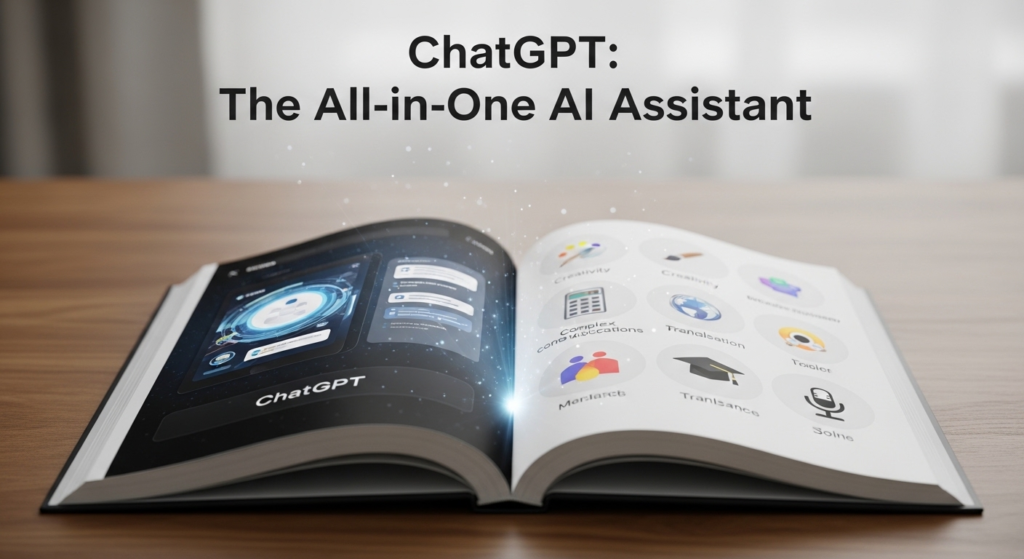
Among all available tools, ChatGPT stands out as one of the most versatile platforms. It is widely used for content creation, brainstorming ideas, coding assistance, and answering complex queries.
ChatGPT is particularly useful for individuals and businesses that need a flexible tool capable of handling multiple tasks. Its ability to generate human-like responses makes it ideal for writing blogs, emails, reports, and marketing content.
Another advantage is its ease of use. Even beginners can quickly adapt to the interface and start using it effectively. While it offers some automation capabilities, its primary strength lies in content generation and problem-solving.
Gemini: Best for Google Ecosystem Users
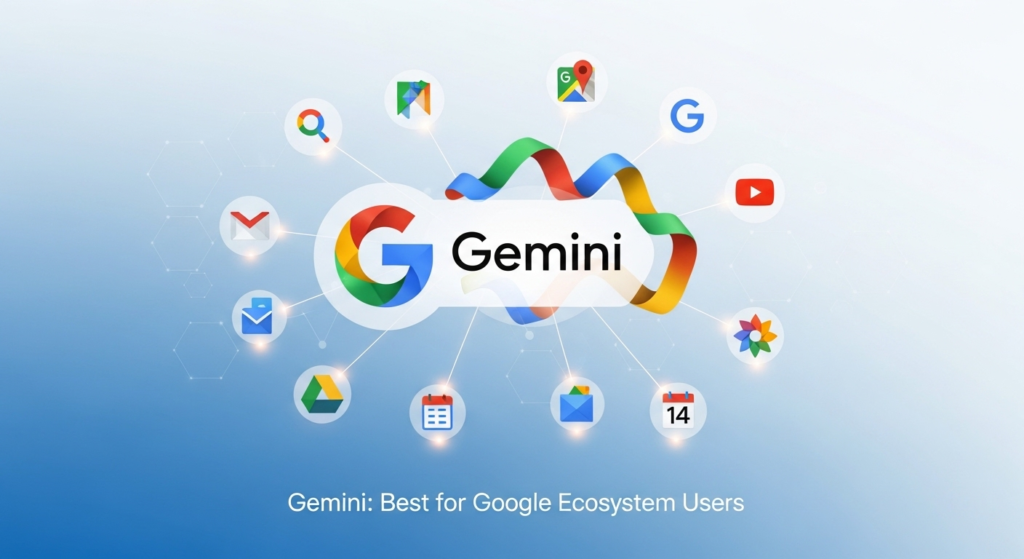
Google Gemini is a strong competitor, especially for users who rely heavily on Google Workspace. It integrates seamlessly with tools like Google Docs, Sheets, and Gmail, making it a convenient choice for document-based tasks.
Gemini excels in analyzing large documents, summarizing content, and extracting key insights. It is particularly useful for professionals who deal with extensive data or need quick summaries of reports.
The tool’s deep integration with Google services allows users to perform tasks without switching between platforms. This improves efficiency and ensures a smoother workflow.
Notion AI: Ideal for Team Productivity

Notion AI is designed for teams that need a centralized workspace for managing projects, notes, and documentation. It combines traditional productivity features with AI capabilities, making it a powerful tool for collaboration.
Notion AI helps users generate content, organize information, and manage tasks within a single platform. This reduces the need for multiple tools and simplifies workflows.
It is particularly लोकप्रिय among startups and small teams that require flexibility and organization. While it may take some time to learn, its long-term benefits make it a valuable tool for team productivity.
Zapier: The Leader in Automation

Zapier is one of the most powerful business automation tools available in 2026. It allows users to connect different applications and automate workflows without coding.
Zapier can automate tasks such as sending emails, updating databases, and managing customer interactions. Its ability to integrate with thousands of apps makes it highly versatile.
For businesses looking to eliminate repetitive tasks, Zapier is an essential tool. It significantly reduces manual work and improves operational efficiency.
Microsoft Copilot: Best for Enterprise Workflows

Microsoft Copilot is designed for organizations that use Microsoft Office tools. It integrates directly into applications like Word, Excel, and Outlook, enabling users to work more efficiently within familiar environments.
Copilot can generate documents, analyze spreadsheets, and automate communication tasks. Its seamless integration with enterprise systems makes it a preferred choice for large organizations.
It is particularly useful for companies that require high levels of security, scalability, and collaboration across teams.
Pricing Comparison of AI Tools
Pricing is a key factor when choosing an AI tool, especially for businesses with budget constraints. Below is a general comparison of pricing structures in 2026.
| Plan Type | Monthly Cost Range | Features Included |
|---|---|---|
| Free Plan | $0 | Basic usage with limited features |
| Starter Plan | $5–$20 | Core features for individuals |
| Professional Plan | $25–$60 | Advanced tools and integrations |
| Business Plan | $60–$120 | Team collaboration and automation |
| Enterprise Plan | Custom Pricing | Full features, security, and support |
Users should choose a plan based on their needs rather than opting for the most expensive option.
How to Choose the Right AI Tool for Your Needs

Selecting the right AI tool depends on your goals and workflow. Here is a simple guide to help you decide:
- Choose ChatGPT if you need a versatile tool for writing and research
- Choose Gemini if you work primarily within Google Workspace
- Choose Notion AI for team collaboration and project management
- Choose Zapier for automation and workflow integration
- Choose Microsoft Copilot for enterprise-level productivity
It is often better to start with one tool and gradually expand based on your requirements. Using too many tools at once can create confusion and reduce efficiency.
Common Mistakes to Avoid When Choosing AI Tools
While selecting AI tools, many users make common mistakes that can affect productivity. Avoiding these mistakes can help you get better results.
- Choosing tools based on popularity rather than need
- Using multiple tools without clear purpose
- Ignoring integration capabilities
- Not considering long-term scalability
- Overlooking training and onboarding requirements
By avoiding these issues, businesses can ensure smoother implementation and better outcomes.
Conclusion: Making the Right AI Choice in 2026
In 2026, AI tools for business productivity and business automation tools have become essential for improving efficiency and staying competitive. Each tool offers unique features, and there is no single solution that works for everyone.
ChatGPT provides versatility, Gemini offers seamless integration with Google tools, Notion AI enhances team collaboration, Zapier excels in automation, and Microsoft Copilot supports enterprise productivity. The key is to choose a tool that aligns with your specific needs and workflow.
The most important takeaway is that AI tools should simplify work, not complicate it. Businesses and individuals should focus on practical benefits such as time savings, efficiency, and improved output quality.
As AI continues to evolve, its role in business productivity will only grow stronger. Making the right choice today can help you build a more efficient and future-ready workflow.