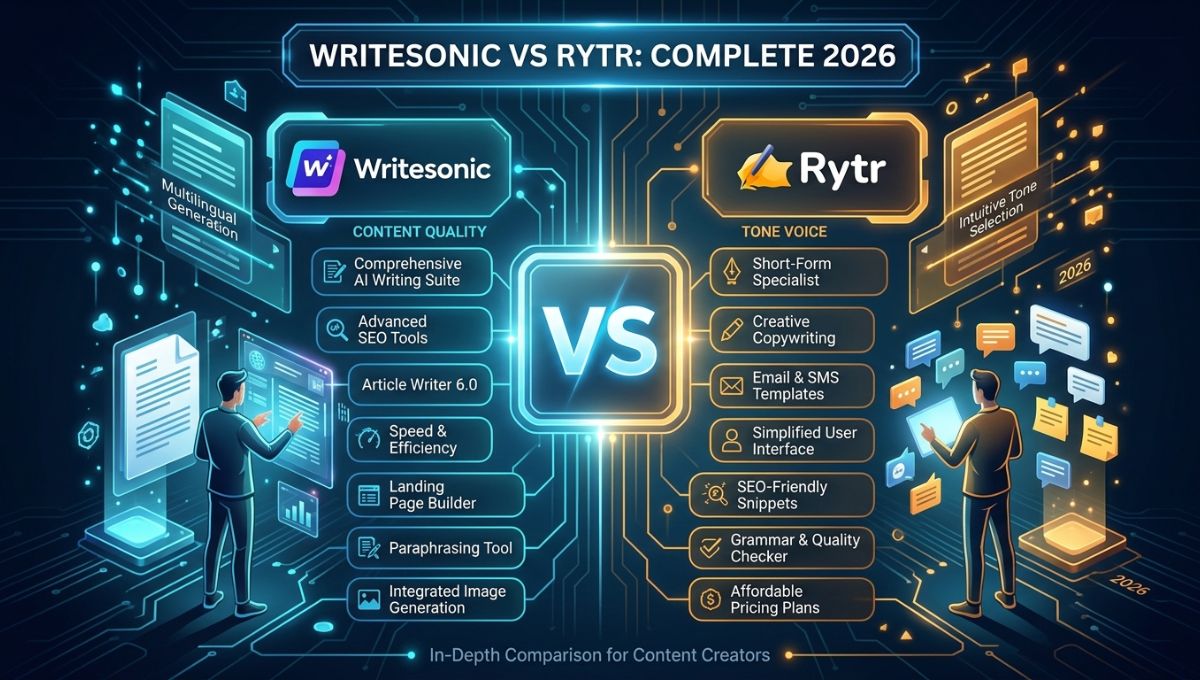
Artificial intelligence has completely transformed content creation over the last few years. What once required hours of manual research, drafting, editing, and optimization can now be completed within minutes using advanced AI writing software. From bloggers and digital marketers to business owners and freelancers, AI writing assistants have become an essential part of modern content production.
Among the many AI writing platforms available today, two names consistently stand out in discussions: Writesonic and Rytr.
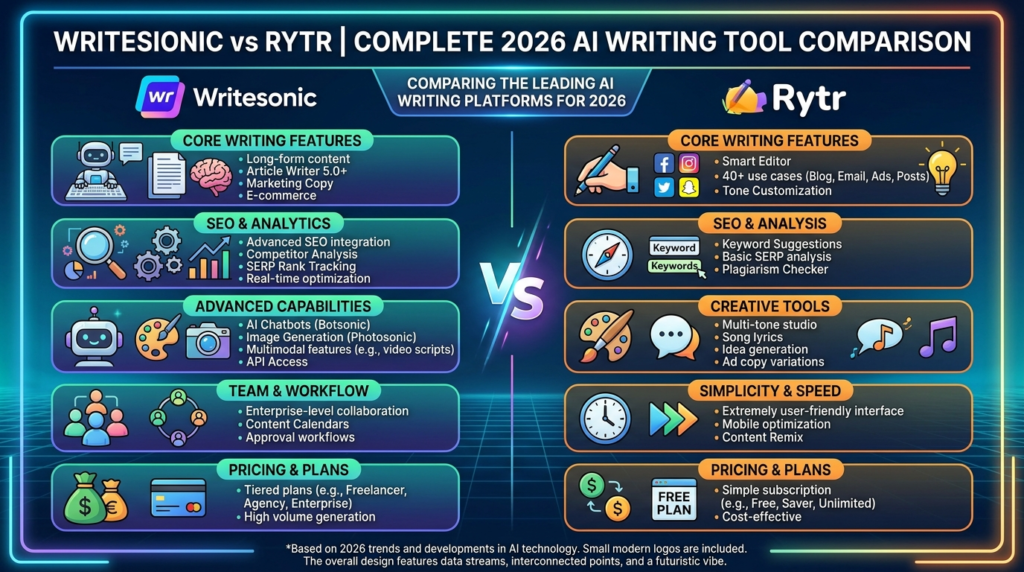
Both tools are designed to help users create content faster, improve productivity, and simplify writing tasks. However, they differ significantly in terms of features, performance, pricing, ease of use, content quality, integrations, and target audience.
Choosing between these two popular AI writing tools can be challenging, especially if you are trying to invest in the right platform for long-term use.
This detailed comparison explores every important aspect of Writesonic vs Rytr, helping users understand which platform offers better value depending on their writing needs, budget, and workflow.
Understanding Writesonic and Rytr
Before comparing their capabilities, it is important to understand what each platform is built for.
Writesonic is an advanced AI-powered content generation platform that focuses on long-form writing, SEO content creation, chatbot functionality, marketing copy generation, and workflow automation. It is designed for professionals, agencies, marketers, and businesses looking for scalable content production.
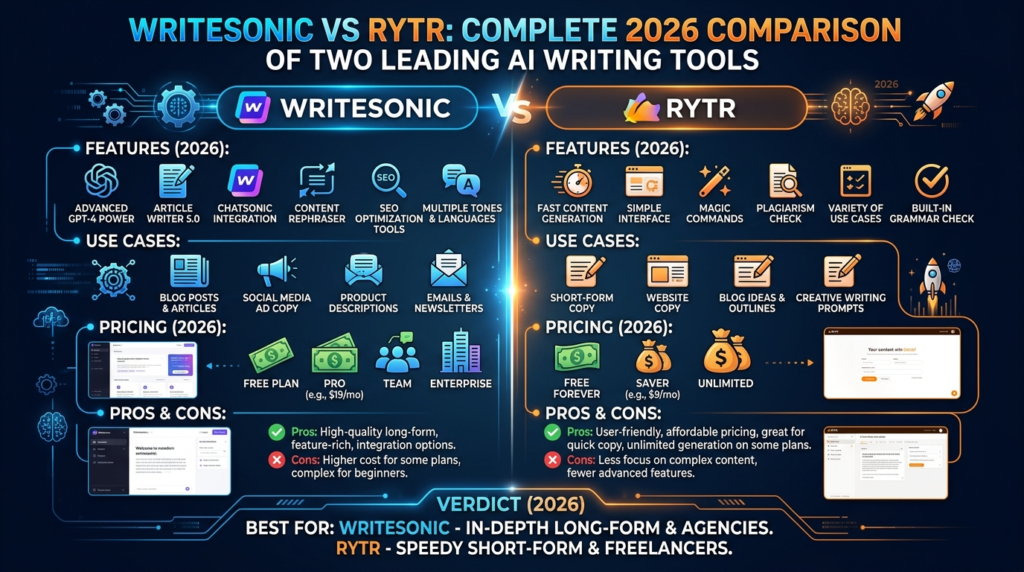
The platform offers a broad set of features, including AI article writing, landing page creation, social media copy generation, product descriptions, chatbot assistance, and publishing integrations.
Rytr, on the other hand, is a lightweight AI writing assistant built for simplicity and affordability. It focuses on helping users quickly generate short-form content such as social media posts, emails, captions, ad copy, product descriptions, and outlines.
Its clean interface and lower pricing make it particularly attractive for beginners and users who need straightforward content generation without advanced technical features.
Both tools serve the same broad purpose—automating writing tasks—but they approach this goal differently.
Core Feature Comparison
A direct feature comparison helps clarify where each platform performs best.
| Feature | Writesonic | Rytr |
|---|---|---|
| Long-form article writing | Yes | Limited |
| SEO optimization tools | Advanced | Basic |
| AI chatbot | Chatsonic included | No |
| WordPress integration | Yes | Limited |
| Content templates | 80+ | 40+ |
| Bulk generation | Yes | No |
| Brand voice customization | Advanced | Basic |
| API access | Yes | Limited |
| Image generation | Yes | No |
| Multi-language support | Yes | Yes |
| Browser extension | Yes | Yes |
| Collaboration tools | Yes | Limited |
From the table, it becomes clear that Writesonic offers a significantly broader feature set.
Rytr focuses more on accessibility and quick execution.
For users seeking advanced automation and professional-grade publishing tools, Writesonic provides greater functionality.
For users prioritizing simplicity, Rytr remains appealing.
Content Writing Quality
The quality of AI-generated content is often the most important factor when evaluating any writing platform.
Writesonic Content Quality
Writesonic performs strongly in generating detailed, structured, and coherent long-form content.
It produces:
- Blog posts
- SEO articles
- Website copy
- Product descriptions
- Ad campaigns
- Email marketing sequences
The platform uses advanced language models to create content that generally requires less manual editing compared to many competitors.
Its outputs often include:
- Better flow between paragraphs
- Stronger logical structure
- More contextual understanding
- Improved readability
- Better keyword placement for SEO
For professional publishers, these advantages significantly reduce editing time.
Rytr Content Quality
Rytr performs well for short-form content generation.
It is particularly effective for:
- Social media captions
- Meta descriptions
- Product summaries
- Quick promotional copy
- Short email drafts
However, when generating long-form articles, Rytr often produces repetitive phrasing or less detailed outputs.
Users may need to manually expand sections, improve transitions, and adjust structure.
This makes Rytr suitable for quick drafting but less ideal for publishing-ready long-form content.
Which Produces Better Output?
For comprehensive content creation, Writesonic generally delivers stronger results.
For short, simple writing tasks, Rytr remains effective.
Ease of Use and User Experience
User experience plays a major role in determining productivity.
A feature-rich platform can become frustrating if it is difficult to navigate.
Writesonic Interface
Writesonic offers a modern dashboard packed with tools and options.
Users can access:
- AI article generator
- Chatsonic
- Landing page builder
- SEO tools
- Template library
- Workflow automation features
Because of its extensive capabilities, new users may initially find the interface overwhelming.
However, after becoming familiar with the layout, navigation becomes efficient.
The learning curve is moderate but manageable.
Rytr Interface
Rytr is intentionally designed to be simple.
Its interface is clean and minimal.
Users typically choose:
- Content type
- Tone
- Language
- Input prompt
Then generate content immediately.
This simplicity makes Rytr extremely beginner-friendly.
There is almost no learning curve.
User Experience Winner
For beginners: Rytr
For experienced content creators: Writesonic
The better choice depends on how much complexity users are comfortable managing.
SEO Optimization Capabilities
SEO remains essential for digital publishing.
A writing tool that supports search optimization can provide significant value.
Writesonic SEO Features
Writesonic includes advanced SEO-focused tools.
These features help users create content optimized for rankings by supporting:
- Keyword targeting
- SERP-focused article generation
- Structured formatting
- Meta description generation
- Search-intent alignment
This makes Writesonic especially valuable for:
- Bloggers
- Affiliate marketers
- Agencies
- Website owners
Rytr SEO Features
Rytr offers basic SEO support through template-based content generation.
However, it lacks deeper optimization tools.
Users often need additional SEO software to fully optimize content.
SEO Comparison
For users serious about organic traffic growth, Writesonic provides a clear advantage.
AI Chat Assistant Functionality
Conversational AI has become increasingly important for content ideation and assistance.
Writesonic: Chatsonic
Writesonic includes Chatsonic, an AI conversational assistant.
It supports:
- Content brainstorming
- Article outlines
- Research assistance
- Draft generation
- Interactive prompt refinement
This makes Writesonic more versatile.
Users can interact dynamically rather than relying solely on templates.
Rytr
Rytr does not provide an equivalent advanced conversational assistant.
Its workflow is more template-based.
Chat Feature Winner
Writesonic
The chatbot capability adds significant flexibility.
Pricing Comparison
Cost is one of the most important deciding factors.
Here is a general pricing comparison.
| Plan Type | Writesonic | Rytr |
|---|---|---|
| Free plan | Yes | Yes |
| Entry paid plan | Higher | Lower |
| Mid-tier plans | Multiple options | Limited |
| Enterprise solutions | Available | Limited |
Writesonic Pricing
Writesonic’s pricing reflects its advanced capabilities.
Users pay more for:
- Higher word limits
- Advanced tools
- Premium AI models
- SEO capabilities
- Automation features
This pricing is often justified for professional users.
Rytr Pricing
Rytr is significantly more affordable.
It offers strong value for:
- Students
- Freelancers
- Small businesses
- Beginner creators
Its lower price point makes it accessible.
Best Value
Budget-conscious users: Rytr
Professional content teams: Writesonic
Use Cases: Who Should Choose Writesonic?
Writesonic is best suited for users who need robust content generation.
Ideal users include:
- Professional bloggers
- Digital marketing agencies
- SEO specialists
- E-commerce businesses
- Affiliate marketers
- SaaS companies
- Content teams
If content production directly impacts business growth, Writesonic’s advanced capabilities offer meaningful advantages.
Use Cases: Who Should Choose Rytr?
Rytr is better suited for users with lighter writing demands.
Ideal users include:
- Beginners
- Freelancers
- Social media managers
- Small startups
- Students
- Solo creators
If users need occasional AI assistance without advanced workflows, Rytr is often sufficient.
Customization and Brand Voice
Maintaining a consistent brand voice is critical for businesses.
Writesonic
Writesonic offers stronger brand customization.
Users can align outputs with:
- Tone preferences
- Writing style
- Brand guidelines
- Audience targeting
This consistency improves professional publishing.
Rytr
Rytr offers basic tone customization such as:
- Casual
- Professional
- Convincing
- Friendly
While useful, it lacks deeper brand-level refinement.
Customization Winner
Writesonic
Performance and Speed
Generation speed impacts workflow efficiency.
Writesonic
Writesonic handles complex requests efficiently.
Long-form generation may take slightly longer due to processing depth.
The tradeoff is generally better output quality.
Rytr
Rytr is very fast for shorter tasks.
Its lightweight architecture allows quick generation.
For fast copy drafting, it performs well.
Speed Winner
For short-form: Rytr
For quality-depth balance: Writesonic
Integrations and Workflow Automation
Modern content workflows often require external integrations.
Writesonic Integrations
Writesonic supports integration with:
- WordPress
- Browser tools
- APIs
- Publishing workflows
This improves automation.
Rytr Integrations
Rytr provides fewer integration options.
It focuses on standalone use.
Integration Winner
Writesonic
Customer Support and Community
Reliable support matters for long-term use.
Writesonic
Offers:
- Help center
- Documentation
- Customer support
- Tutorials
Rytr
Provides:
- Basic documentation
- Support resources
- Community help
Writesonic generally offers broader support resources.
Pros and Cons
Writesonic Pros
- Advanced long-form writing
- Strong SEO features
- Chatbot integration
- Workflow automation
- Better scalability
Writesonic Cons
- Higher pricing
- Slight learning curve
Rytr Pros
- Affordable
- Very easy to use
- Fast short-form generation
- Beginner-friendly
Rytr Cons
- Limited long-form quality
- Fewer advanced features
- Basic integrations
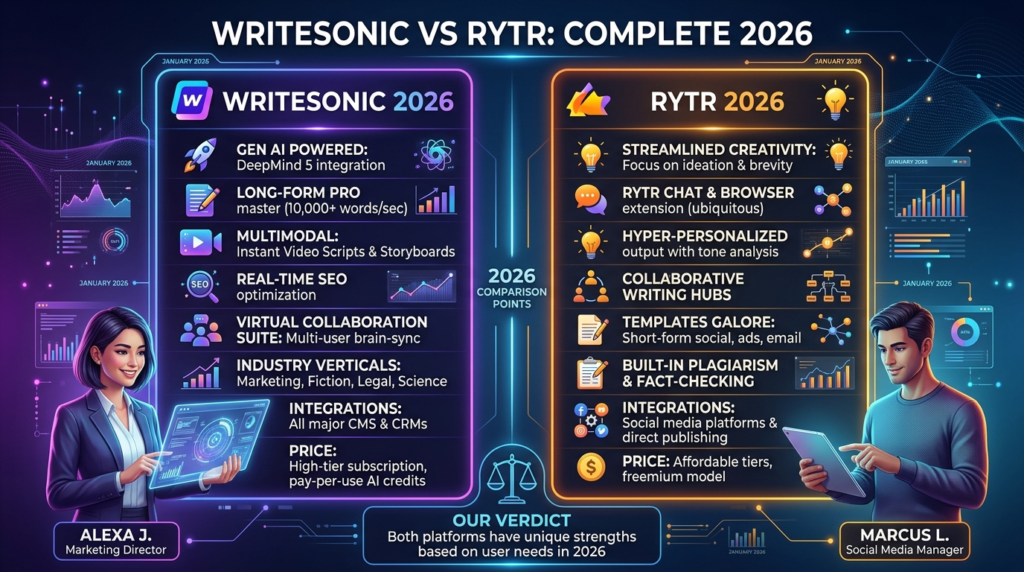
Final Verdict: Writesonic vs Rytr
The comparison between Writesonic vs Rytr ultimately depends on user goals.
If users need professional-grade content creation with advanced SEO capabilities, workflow automation, long-form article generation, and conversational AI support, Writesonic is the stronger option.
It offers significantly more power and flexibility.
If users want an affordable and easy-to-use solution for quick content drafting, Rytr remains a practical choice.
Its simplicity makes it ideal for those just entering the world of AI writing tools.
Conclusion
Both platforms are valuable in their own ways.
Writesonic stands out as a feature-rich solution for businesses, marketers, and serious content creators.
Rytr succeeds as a budget-friendly tool focused on accessibility and speed.
The right choice depends on writing goals, budget, workflow complexity, and content volume.
Users seeking long-term scalability and advanced publishing support will likely benefit more from Writesonic.
Users needing lightweight assistance for everyday writing tasks may find Rytr perfectly adequate.
As AI content technology continues evolving, both tools remain strong contenders in the competitive AI writing market.