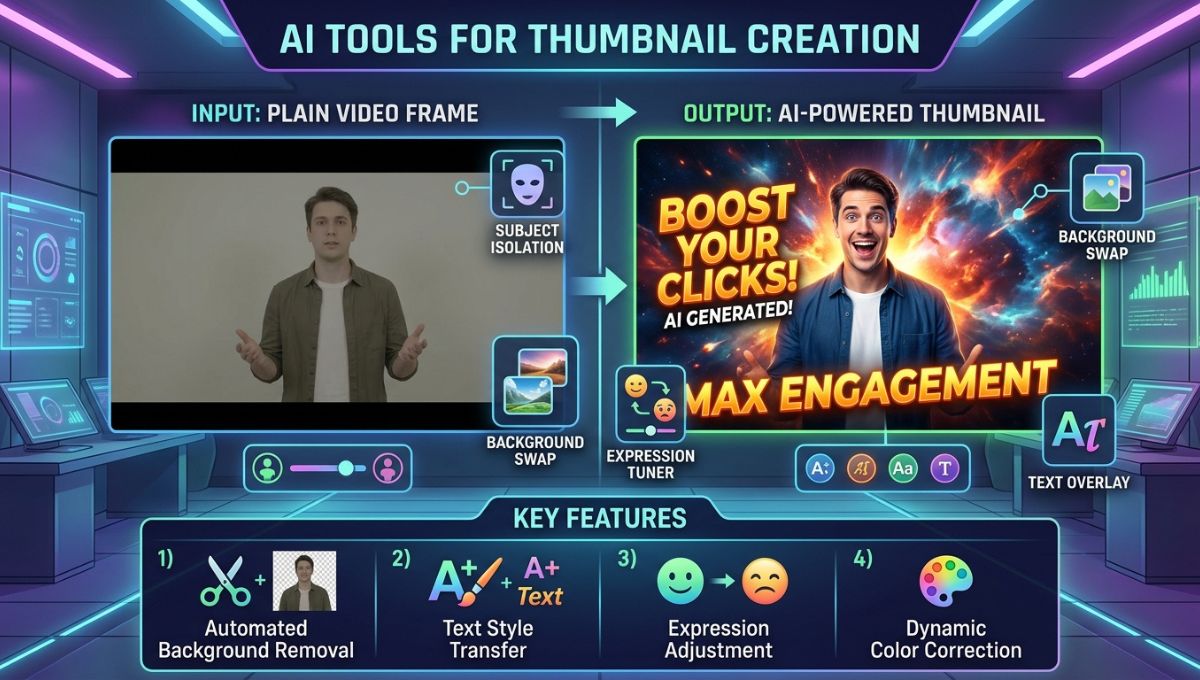
In the digital world, first impressions matter more than ever. Whether you are creating YouTube videos, blog posts, online courses, social media content, or marketing campaigns, your audience often decides within seconds whether they want to engage with your content. One of the most important factors influencing that decision is the thumbnail.
A thumbnail acts like a digital billboard. It gives viewers a quick preview of what they can expect from your content. An attractive thumbnail can encourage people to click, while a poorly designed thumbnail may cause them to scroll past without a second thought. This is why successful content creators spend significant time creating thumbnails that grab attention and communicate value instantly.
Fortunately, creating professional thumbnails no longer requires advanced graphic design skills or expensive software. Artificial Intelligence (AI) has transformed the design process, making it easier, faster, and more accessible for beginners. AI-powered thumbnail creation tools can generate layouts, suggest colors, enhance images, remove backgrounds, and even create entirely new visuals based on text prompts.
In this comprehensive guide, we will explore AI tools for thumbnail creation, how they work, their benefits, the best platforms available today, and practical tips for creating thumbnails that attract clicks and increase engagement.
Understanding the Importance of Thumbnails in Digital Content
A thumbnail is often the first interaction a user has with your content. Before someone watches a video, reads a blog article, or opens a course lesson, they see the thumbnail. This small image carries a huge responsibility because it influences whether the viewer chooses your content over countless alternatives.
Think of a thumbnail as the cover of a bestselling book. Even if the content inside is exceptional, people may never discover it if the cover fails to capture attention. Similarly, a well-designed thumbnail can dramatically improve click-through rates, visibility, and audience engagement.
For YouTube creators, thumbnails directly affect video performance. A compelling thumbnail can increase views and help videos rank higher in recommendations. For bloggers, thumbnails improve social sharing and encourage readers to click on articles. Businesses use thumbnails in advertisements and marketing campaigns to attract potential customers.
The competition for attention online is intense. Every day, millions of videos, articles, and social media posts are published. A strong thumbnail helps your content stand out in crowded feeds and search results.
What Are AI Tools for Thumbnail Creation?
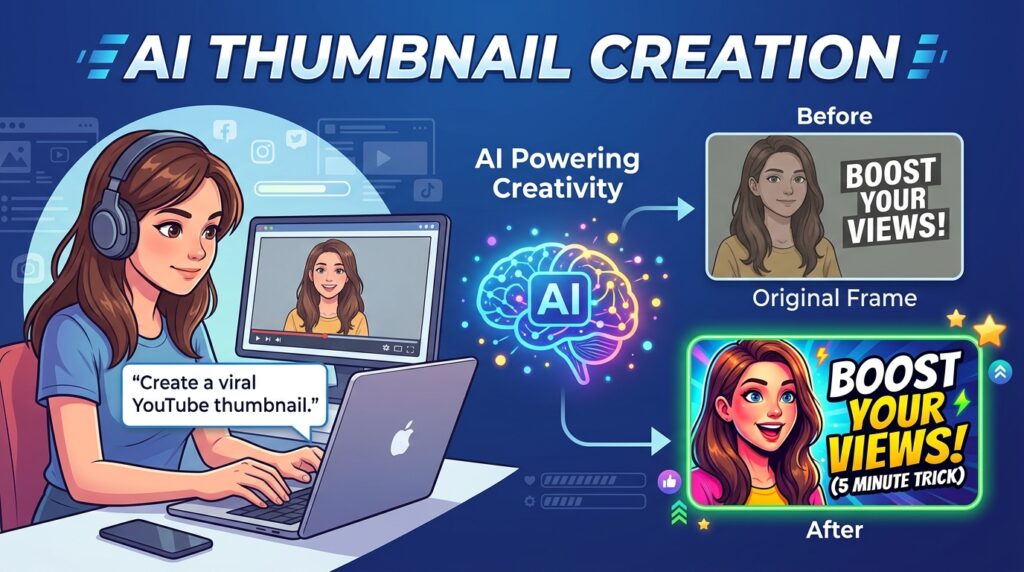
AI thumbnail creation tools are software applications that use artificial intelligence and machine learning technologies to assist users in designing attractive thumbnails. Instead of manually handling every design element, users can rely on AI to automate many parts of the process.
These tools analyze design trends, visual hierarchy, color psychology, and user engagement patterns to recommend effective thumbnail designs. Some platforms can generate complete thumbnails automatically, while others provide AI-powered suggestions that improve the user’s design.
AI tools can perform several tasks, including:
- Generating thumbnail layouts
- Creating custom images from text prompts
- Removing backgrounds automatically
- Enhancing image quality
- Suggesting color combinations
- Recommending fonts
- Improving visual balance
- Resizing thumbnails for different platforms
By simplifying the design process, AI allows creators to focus more on content creation rather than spending hours on graphic design.
How Artificial Intelligence Is Transforming Thumbnail Design
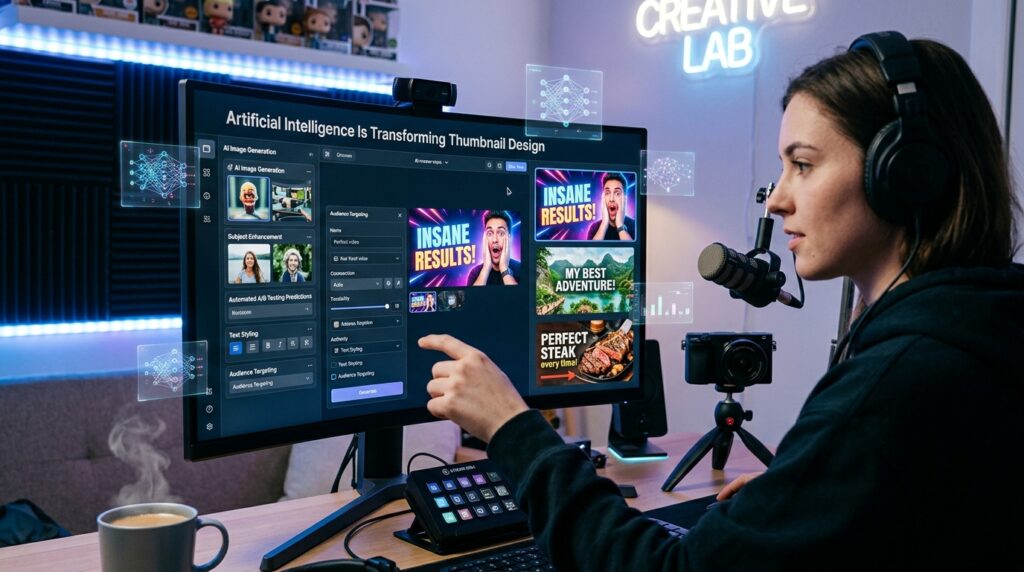
Artificial Intelligence has changed many industries, and graphic design is no exception. Traditional thumbnail design often required knowledge of software like Photoshop, Illustrator, or other professional design tools. Learning these applications could take weeks or even months.
AI changes this by making design more accessible. Modern AI systems can analyze thousands of successful thumbnails and identify patterns that attract viewers. They use this information to generate recommendations that increase the chances of engagement.
For example, AI can determine which colors create stronger contrast, where text should be positioned for maximum visibility, and which image compositions are most likely to attract attention. Some advanced tools can even predict how effective a thumbnail might be before it is published.
As AI technology continues to evolve, thumbnail creation is becoming faster, smarter, and more efficient for creators at every skill level.
Benefits of Using AI Thumbnail Creation Tools
Faster Design Process
One of the biggest advantages of AI thumbnail generators is speed. What once took hours can now be completed in minutes. AI handles repetitive design tasks, allowing creators to produce thumbnails quickly and consistently.
This is especially useful for YouTubers and marketers who publish content frequently. Instead of designing each thumbnail from scratch, they can use AI-generated templates and recommendations to streamline their workflow.
Beginner-Friendly Experience
Many people avoid graphic design because they believe it is complicated. AI tools eliminate much of that complexity. Most platforms feature drag-and-drop editors, pre-designed templates, and automated suggestions that make design accessible even to complete beginners.
Users do not need prior experience in design principles or software. The AI guides them through the process and helps them create professional-looking thumbnails with minimal effort.
Improved Visual Quality
AI tools often include image enhancement features that improve brightness, sharpness, contrast, and color accuracy. This helps users create cleaner, more polished visuals that appear professional and attractive.
High-quality images are particularly important because blurry or poorly edited thumbnails can reduce credibility and lower engagement rates.
Cost Savings
Hiring a professional graphic designer for every thumbnail can be expensive, especially for small creators and startups. AI tools offer an affordable alternative by providing advanced design capabilities at a fraction of the cost.
Many platforms offer free plans or low-cost subscriptions, making them accessible to individuals and businesses with limited budgets.
Consistency Across Content
Building a recognizable brand requires consistency. AI tools help users maintain uniform colors, fonts, styles, and layouts across all thumbnails. This creates a cohesive visual identity that audiences can recognize instantly.
Brand consistency improves professionalism and helps build trust with viewers over time.
Canva AI: The Most Popular Thumbnail Design Tool
Canva has become one of the most widely used design platforms in the world. Its AI-powered features make thumbnail creation simple for users of all experience levels.
The platform offers thousands of ready-made templates designed specifically for YouTube videos, social media posts, blog articles, and advertisements. Users can customize these templates using drag-and-drop functionality without needing any design expertise.
Canva’s AI features include Magic Design, background removal, text suggestions, and AI image generation. These tools allow creators to generate professional-looking thumbnails quickly and efficiently.
Another major advantage of Canva is its extensive library of stock photos, icons, illustrations, and design elements. Users can create unique thumbnails without searching for external resources.
Because of its simplicity, affordability, and versatility, Canva remains one of the best choices for beginners entering the world of content creation.
Adobe Express AI for Professional Thumbnail Design
Adobe Express combines Adobe’s reputation for professional design software with the convenience of AI-powered automation. It offers a simplified design experience while maintaining high-quality creative capabilities.
Users can access AI-generated templates, text-to-image features, automatic resizing, and advanced editing tools. The platform is particularly useful for creators who want professional results without learning complex software such as Photoshop.
Adobe Express also provides strong integration with other Adobe products, making it a valuable option for users already familiar with the Adobe ecosystem.
Its intelligent design suggestions help users create visually balanced thumbnails that look polished and engaging. For creators seeking a combination of simplicity and professional quality, Adobe Express is an excellent solution.
Fotor AI Thumbnail Maker
Fotor is another powerful AI-based design platform that focuses on simplicity and speed. It offers a dedicated AI thumbnail maker designed specifically for content creators.
One of Fotor’s standout features is its image enhancement technology. The AI automatically improves image quality by adjusting brightness, contrast, sharpness, and color balance.
Fotor also includes background removal, text customization, AI-generated graphics, and thumbnail templates for various industries. Its straightforward interface makes it ideal for beginners who want fast results without a steep learning curve.
For creators who frequently work with photographs, Fotor’s image enhancement capabilities provide a significant advantage.
Picsart AI for Creative Thumbnail Designs
Picsart is known for its creative editing tools and visual effects. The platform combines traditional photo editing with advanced AI features to help users create highly engaging thumbnails.
Its AI capabilities include image generation, background removal, object replacement, and smart design recommendations. Users can also access a large collection of stickers, overlays, filters, and graphic elements.
Picsart is particularly popular among social media creators who want visually distinctive thumbnails that stand out in crowded feeds.
The platform’s mobile app is especially strong, allowing users to create professional thumbnails directly from their smartphones.
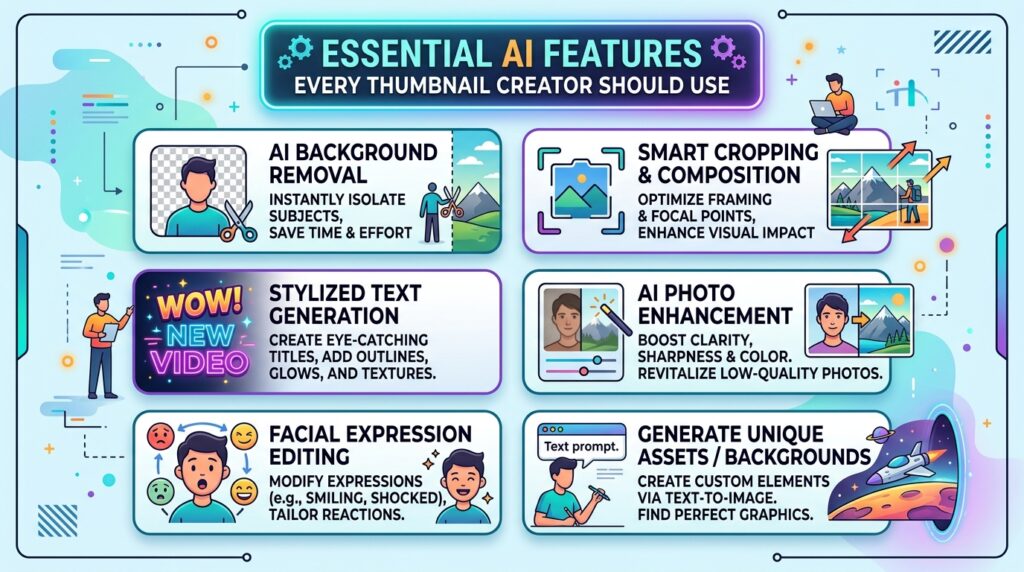
Essential AI Features Every Thumbnail Creator Should Use
AI Background Removal
Removing backgrounds manually can be time-consuming and challenging. AI background removal tools solve this problem instantly by identifying the main subject and separating it from the background.
This feature is useful for highlighting faces, products, or key visual elements in a thumbnail.
AI Image Enhancement
Image quality plays a major role in viewer perception. AI enhancement tools improve image clarity, color accuracy, and overall visual appeal automatically.
Better image quality often leads to stronger engagement and a more professional appearance.
AI Text Generation
Many AI tools can suggest attention-grabbing headlines and thumbnail text. Since text is often one of the most important elements of a thumbnail, these recommendations can help improve click-through rates.
AI Layout Recommendations
A successful thumbnail requires proper placement of text, images, and design elements. AI layout tools analyze visual balance and recommend optimal arrangements that maximize visibility and impact.
Best Practices for Creating High-Performing Thumbnails
Creating a thumbnail involves more than simply adding text to an image. Successful thumbnails follow certain design principles that improve visibility and engagement.
Use large, bold text that remains readable on small screens. Mobile users represent a significant portion of online audiences, so readability is essential.
Choose colors that create strong contrast. Bright colors often attract attention more effectively than muted tones.
Include expressive human faces whenever possible. Research consistently shows that facial expressions increase viewer engagement because people naturally connect with emotions.
Keep the design simple and focused. Too many elements can make a thumbnail confusing and difficult to understand.
Create curiosity without being misleading. The thumbnail should encourage clicks while accurately representing the content.
Common Mistakes to Avoid When Designing Thumbnails
Many creators make the mistake of overcrowding thumbnails with excessive text and graphics. This often reduces readability and weakens visual impact.
Another common issue is using low-quality images. Blurry or pixelated visuals can damage credibility and discourage clicks.
Some creators rely heavily on clickbait techniques. While misleading thumbnails may generate short-term clicks, they can harm audience trust and reduce long-term engagement.
Ignoring branding is another mistake. Consistent colors, fonts, and visual styles help audiences recognize your content immediately.
Finally, failing to test different designs can limit performance. Experimenting with multiple thumbnail variations often reveals what resonates most with your audience.
The Future of AI Thumbnail Creation
The future of AI-powered thumbnail design looks incredibly promising. As machine learning algorithms become more advanced, AI tools will continue to automate and optimize the design process.
Future platforms may predict click-through rates before publication, generate personalized thumbnails for different audience segments, and create fully customized designs based on content analysis.
Voice-controlled design assistants may also become more common. Instead of manually editing a thumbnail, creators may simply describe what they want and receive multiple professional options instantly.
These innovations will further reduce design barriers and empower creators to focus on producing valuable content.
Conclusion
AI tools for thumbnail creation have revolutionized the way creators approach visual design. They make it possible for beginners to create professional-quality thumbnails without advanced design knowledge or expensive software. From automatic background removal and image enhancement to AI-generated graphics and layout suggestions, these tools save time while improving results.
Platforms such as Canva, Adobe Express, Fotor, Picsart, Visme, Snappa, and Simplified offer powerful features that help creators produce engaging thumbnails capable of attracting attention in competitive digital environments. By understanding design principles and leveraging AI technology effectively, content creators can significantly improve click-through rates, increase audience engagement, and strengthen their online presence.
As AI technology continues to evolve, thumbnail creation will become even more efficient, intelligent, and accessible. For anyone looking to grow their content, investing time in learning AI thumbnail tools is one of the smartest decisions they can make.