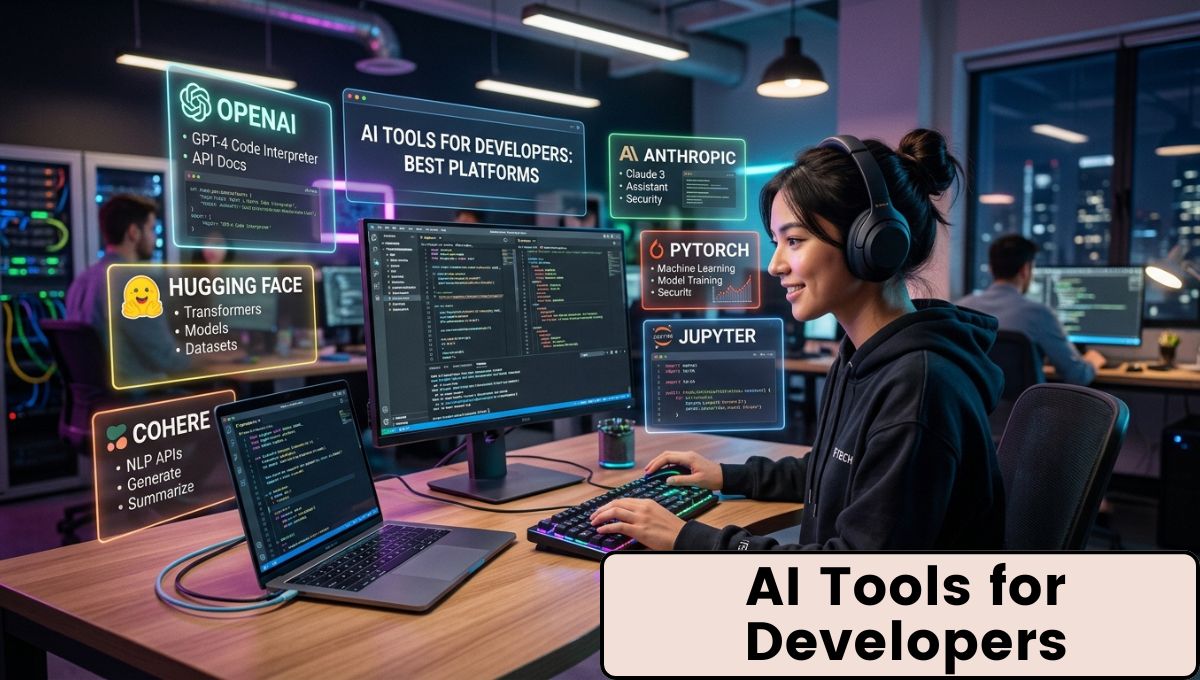
Artificial Intelligence (AI) is changing the way software is built. Today, developers are no longer limited to writing every line of code manually. Modern AI-powered tools can generate code, explain complex functions, detect bugs, improve security, create documentation, and even help manage projects. These tools save time, reduce repetitive work, and allow developers to focus on solving real problems instead of spending hours on routine coding tasks.
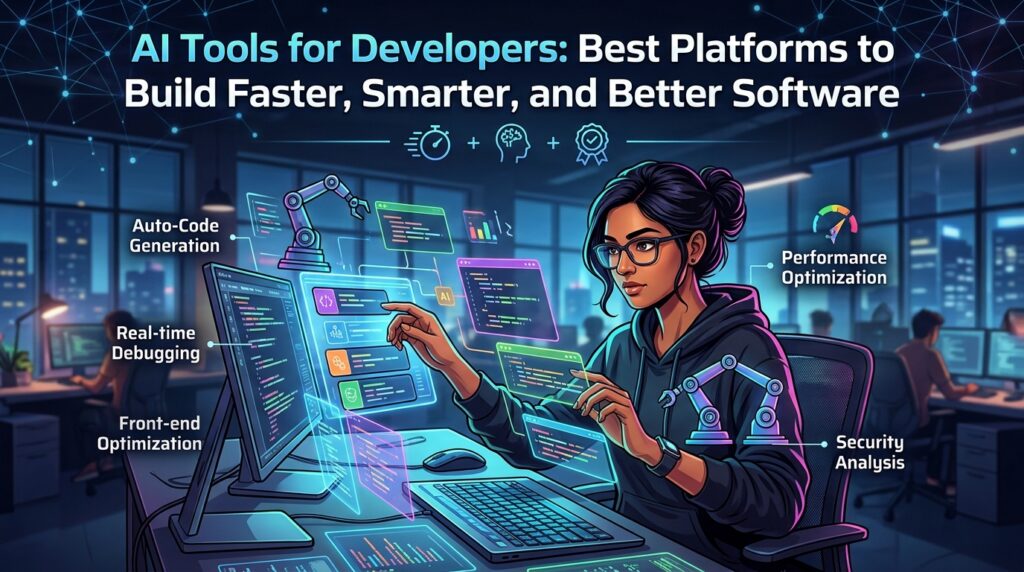
The growing popularity of AI Tools for Developers has transformed software development across startups, enterprises, and freelance projects. Whether someone is building a mobile application, a website, cloud infrastructure, or machine learning software, AI has become an important assistant throughout the development process. From writing the first line of code to deploying an application, AI-powered platforms are improving speed, accuracy, and productivity.
Why AI Tools Have Become Essential for Developers
Software development has become more complex than ever before. Applications now require cloud integration, APIs, databases, cybersecurity measures, automated testing, and continuous deployment. Managing all these tasks manually takes considerable time and effort.
AI tools help developers by automating repetitive tasks and providing intelligent suggestions. Instead of replacing developers, these tools act as assistants that reduce workload while improving code quality. They can quickly identify mistakes, recommend best practices, generate boilerplate code, and explain unfamiliar programming concepts.
As software projects continue to grow in size, using Developer Productivity tools powered by AI has become a practical way to maintain quality while meeting deadlines.
How AI Assists Throughout the Software Development Lifecycle

AI can contribute during almost every stage of software development. During planning, it can help organize requirements and generate project outlines. While coding, AI suggests functions, completes code snippets, and recommends improvements.
During debugging, AI identifies possible errors and suggests fixes. Testing becomes faster through automated test generation. Documentation is simplified because AI can explain functions, APIs, and project architecture. Deployment and monitoring also benefit from AI by identifying performance issues and potential security risks before they become major problems.
This continuous assistance allows developers to complete projects more efficiently while reducing common mistakes.
Popular Categories of AI Developer Tools
Different AI platforms specialize in different tasks. Some focus on code generation, while others are designed for testing, documentation, project management, or security.
| Category | Primary Purpose |
|---|---|
| Code Completion | Suggests and generates code while typing |
| Code Review | Identifies issues and recommends improvements |
| Bug Detection | Finds errors and potential vulnerabilities |
| Documentation | Creates technical documentation automatically |
| Testing | Generates unit and integration tests |
| DevOps Assistance | Supports deployment and infrastructure automation |
| Security Analysis | Detects vulnerabilities in source code |
Using multiple AI tools together often creates a more efficient development workflow.
AI Code Generation Makes Development Faster
One of the biggest advantages of AI is intelligent code generation. Developers can describe what they want to build using natural language, and AI generates functional code based on those instructions.
This capability is especially useful for repetitive programming tasks such as creating forms, API endpoints, database models, configuration files, and authentication systems. Developers still review and modify the generated code, but AI significantly reduces the amount of manual work required.
Code generation also helps beginners understand programming concepts because they can compare generated examples with their own implementations.
Smarter Code Completion Improves Productivity
Traditional autocomplete simply predicts words. AI-powered completion understands programming context, project structure, imported libraries, and previous functions.
Instead of suggesting only one variable name, modern AI predicts complete functions, loops, database queries, API requests, and object structures. This saves considerable typing time while reducing syntax errors.
Developers working with large codebases particularly benefit because AI remembers patterns used throughout the project.
AI Helps Detect Bugs Earlier
Finding bugs during development is much easier than fixing them after software has been released.
AI-powered debugging tools analyze source code, identify unusual behavior, detect logical mistakes, and recommend possible fixes. Some platforms even explain why a specific error occurred, making it easier for developers to understand the underlying issue.
Early bug detection improves software quality and reduces maintenance costs.
Better Code Reviews with AI
Code review is an important part of software development. AI assists by checking coding standards, identifying duplicated code, recommending optimizations, and highlighting security concerns.
Rather than replacing human reviewers, AI performs an initial review that allows development teams to focus on architecture, design decisions, and business logic.
This combination leads to faster review cycles and more consistent code quality.
AI Simplifies Technical Documentation
Documentation is often ignored because developers prefer writing code. AI reduces this burden by automatically generating comments, README files, API documentation, and function explanations.
Good documentation makes projects easier to maintain and helps new developers understand existing systems more quickly.
Organizations managing large software projects benefit significantly from automated documentation because it keeps technical information updated with fewer manual efforts.
Automated Testing with Artificial Intelligence
Testing ensures software works correctly under different conditions. AI helps generate unit tests, integration tests, and edge-case scenarios automatically.
Instead of manually writing every test case, developers receive suggested tests based on application logic. AI can also identify missing test coverage and recommend improvements.
This increases confidence before software is deployed to production.
AI Supports DevOps and Deployment
Modern software development includes continuous integration and continuous deployment. AI helps monitor deployments, identify failed builds, optimize infrastructure usage, and predict performance bottlenecks.
Development teams can respond to issues more quickly because AI continuously analyzes deployment data and system performance.
This results in more reliable software delivery and reduced downtime.
Security Benefits of AI Development Tools
Security is now a major concern for every software project. AI-powered security analysis scans source code for vulnerabilities, insecure dependencies, exposed secrets, and risky coding practices.
Developers receive recommendations before applications reach production, reducing the possibility of security incidents.
Although AI improves security reviews, final verification by experienced developers remains important for critical systems.
Advantages of Using AI Tools
AI offers several practical benefits for developers:
- Faster software development
- Reduced repetitive coding
- Better code quality
- Improved documentation
- Faster debugging
- Stronger security checks
- Higher developer productivity
- Better collaboration across teams
These benefits help organizations deliver software more efficiently while maintaining quality standards.
Challenges Developers Should Consider
Despite many advantages, AI tools also have limitations.
Generated code may occasionally contain errors or inefficient solutions. Developers should carefully review AI-generated suggestions before using them in production environments. Privacy is another consideration, especially when working with confidential source code.
AI should be treated as an assistant rather than a replacement for programming knowledge.
Best Practices for Using AI in Software Development
Developers can achieve better results by following a few simple practices:
- Review all generated code before deployment.
- Understand the logic instead of copying blindly.
- Keep sensitive information protected.
- Continue writing manual tests.
- Use AI to improve productivity rather than replace critical thinking.
- Combine AI recommendations with software engineering best practices.
These habits help teams maximize the value of AI while maintaining high-quality software.
Future of AI in Software Development
AI capabilities continue to improve rapidly. Future development tools are expected to provide deeper project understanding, better architectural recommendations, more accurate debugging, and improved automation across the software lifecycle.
As these technologies evolve, developers who learn to work effectively with AI will likely become more productive while delivering higher-quality applications.
Conclusion
AI has become an important part of modern software development. Instead of replacing developers, it helps automate repetitive work, improve code quality, simplify documentation, strengthen testing, and support faster deployment.
The growing adoption of AI Tools for Developers shows that intelligent software assistants are becoming standard across the industry. Developers who combine AI capabilities with strong programming fundamentals can build applications more efficiently while maintaining reliability, security, and performance.