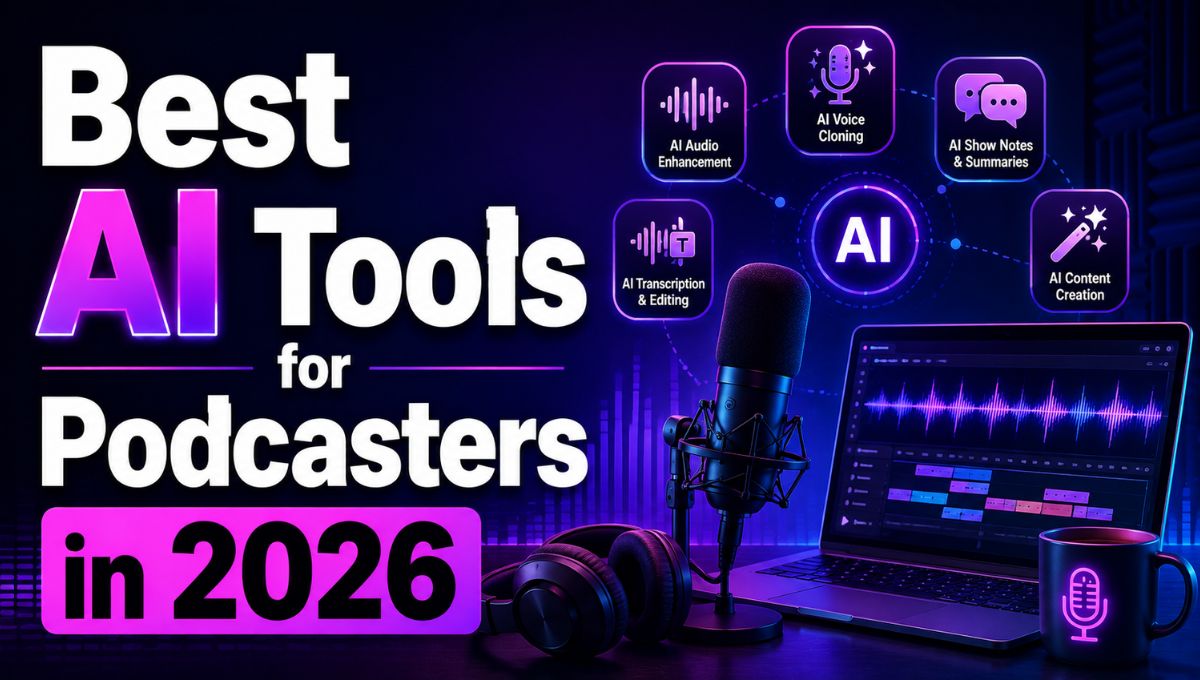
The best AI tools for podcasters in 2026 include Descript, Riverside, Adobe Podcast, Podcastle, ElevenLabs, Auphonic, Castmagic, and OpusClip. These tools cover different parts of podcast production, including remote recording, transcript-based editing, audio enhancement, voice generation, show notes, social-media clips, and content repurposing.
For most creators, Descript is a strong all-around editing choice, Riverside is useful for remote interviews, Adobe Podcast is useful for cleaning up speech recordings, and Castmagic or OpusClip can help turn a finished episode into promotional content.
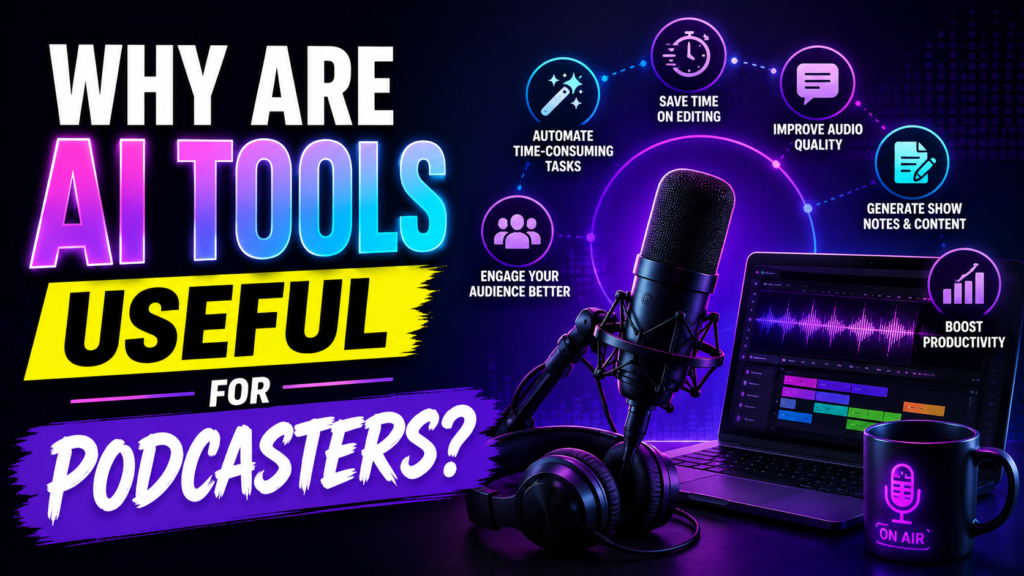
Why Are AI Tools Useful for Podcasters?
Podcast production involves much more than recording a conversation.
A typical episode can require:
- Topic research
- Episode planning
- Script or question preparation
- Remote recording
- Audio editing
- Noise reduction
- Transcription
- Show notes
- Titles and descriptions
- Short-form video clips
- Social media posts
- Promotional content
AI tools can automate or accelerate several of these repetitive tasks.
The important distinction is that AI works best as a production assistant, not as a substitute for the host’s personality, editorial judgment, or fact-checking.
Which AI Tools Should Podcasters Use in 2026?
The right AI podcasting tool depends on the biggest bottleneck in your workflow.
| AI Tool | Best For | Main Use |
|---|---|---|
| Descript | Podcast editing | Transcript-based editing, transcription, cleanup, clips |
| Riverside | Remote recording | Recording interviews and video podcasts |
| Adobe Podcast | Audio cleanup | Speech enhancement and recording improvement |
| Podcastle | Beginner podcast production | Recording, editing, transcription, AI audio tools |
| ElevenLabs | AI voices | Voice generation, narration, dubbing |
| Auphonic | Audio mastering | Loudness, leveling, and automated post-production |
| Castmagic | Content repurposing | Show notes, summaries, social content |
| OpusClip | Short-form clips | Turning long videos into social clips |
Free plans, usage limits, AI credits, commercial-use rights, and pricing can change. Verify the current plan and licensing terms before publishing this article with specific pricing claims.
1. Descript — Best AI Podcast Editor
Descript is one of the strongest all-around AI tools for podcasters because it combines recording, transcription, editing, clips, and publishing in one workflow.
Its biggest advantage is text-based editing.
Descript automatically transcribes recorded audio or video, allowing creators to edit the media by editing the transcript.
For example, deleting a sentence from the transcript can remove the corresponding section of the recording.
Descript also provides AI-assisted features for tasks such as filler-word removal, audio enhancement, and generating content from a finished recording.
Podcasters can use Descript for:
- Audio and video podcast editing
- Automatic transcription
- Filler-word removal
- Audio enhancement
- Short clips
- Captions
- Show notes
- Content repurposing
Best for: Solo podcasters, interview shows, video podcasts, and creators who want editing and repurposing in one workspace.
2. Riverside — Best for Remote Podcast Recording
Riverside is designed for recording remote interviews and conversations, making it particularly useful when hosts and guests are in different locations.
Its platform combines recording with AI-assisted editing, clips, show notes, hosting, and publishing features.
Remote recording quality is particularly important because poor internet connections can affect conventional video-call recordings.
A podcaster can use Riverside to record a guest remotely and then move the resulting recording into an editing workflow.
Riverside is especially useful for:
- Interview podcasts
- Video podcasts
- Remote guests
- Webinars
- Multi-person conversations
- Podcast recording and publishing
Best for: Podcasters who regularly interview remote guests.
3. Adobe Podcast — Best for AI Audio Enhancement
Adobe Podcast is focused heavily on improving speech recordings with AI-assisted audio processing.
Its Enhance Speech feature is designed to improve spoken audio by reducing unwanted noise and making recordings sound cleaner. Adobe Podcast also provides browser-based podcast recording and editing capabilities.
This can be especially useful when a guest records from a bedroom, office, living room, or other environment that is not acoustically treated.
Podcasters can use Adobe Podcast for:
- Speech enhancement
- Background-noise reduction
- Recording
- Audio cleanup
- Podcast production
- Improving imperfect guest recordings
Best for: Creators who already have recordings but need better-sounding speech.
4. Podcastle — Best All-in-One Tool for Beginners
Podcastle combines recording, editing, transcription, and AI-powered audio features in a browser-based workflow.
Its all-in-one approach can be useful for beginners who do not want to learn several professional audio applications.
Podcastle can help with:
- Recording remote interviews
- Audio editing
- Transcription
- Audio enhancement
- AI voices
- Podcast production
Best for: Beginners, solo creators, educators, and small podcast teams.
5. ElevenLabs — Best for AI Voice Generation
ElevenLabs specializes in AI-generated speech and voice technology.
For podcasters, AI voice tools can be useful for narration, intros, advertisements, translated content, accessibility, and other situations where synthetic speech is appropriate.
ElevenLabs has continued expanding its voice, dubbing, and developer capabilities.
However, podcasters should be especially careful with voice cloning.
You should only clone or reproduce a voice when you have the appropriate permission and rights.
Best for: Narration, voiceovers, multilingual content, and controlled voice-generation workflows.
6. Auphonic — Best for Automated Audio Mastering
Auphonic focuses on automated audio post-production.
The tool is useful for processes such as loudness normalization, leveling, noise reduction, and preparing audio for distribution.
This makes it different from an AI writing or transcript editor.
Auphonic is most valuable near the final stage of production, after the main editing decisions have already been made.
Best for: Podcasters who want consistent audio levels and automated final mastering.
7. Castmagic — Best for Turning Episodes Into Content
A podcast episode contains much more content than the audio file itself.
A 45-minute interview can contain potential:
- Quotes
- Blog ideas
- Social posts
- Email content
- Video descriptions
- Episode summaries
- Key takeaways
- Marketing copy
Castmagic is designed to turn podcast recordings and transcripts into these types of content assets. Current AI podcasting guides frequently place it in the content-repurposing stage of the workflow.
This makes it useful for podcasters who want to build a larger content ecosystem around every episode.
Best for: Content marketers, business podcasts, interview shows, and creators who want to repurpose episodes.
8. OpusClip — Best for Podcast Short Clips
Long podcast episodes can contain several moments that work well as short-form videos.
OpusClip is designed to identify highlights from longer videos and turn them into shorter clips for platforms such as YouTube Shorts, Instagram Reels, and TikTok.
This is particularly useful for video podcasts, where the original episode already contains visual footage.
A creator can use AI clipping as a first pass and then manually review every selected clip before publishing.
Best for: Video podcasters focused on short-form social media growth.
What Can AI Do for a Podcast?
AI can assist at almost every stage of podcast production.
AI Podcast Planning
A general AI assistant can help brainstorm episode topics, organize interview questions, create outlines, and identify potential angles.
The host should still decide which ideas fit the audience and editorial direction of the show.
AI Podcast Transcription
Speech-to-text tools can automatically convert an episode into a searchable transcript.
A transcript can then become the foundation for show notes, captions, articles, newsletters, and social posts.
AI Podcast Editing
Transcript-based editing lets creators remove sections of a recording by editing text instead of manually searching through an audio timeline.
This can be particularly useful for interview podcasts containing long conversations.
AI Audio Cleanup
AI audio enhancement can reduce certain types of background noise and improve speech clarity.
However, AI cleanup cannot guarantee that every poor recording will become studio-quality audio.
AI Show Notes
AI can analyze a transcript and create a first draft of an episode summary, key points, timestamps, and related content.
A human should verify the generated information before publication.
AI Social Media Clips
AI video tools can identify potentially interesting moments from a long video and produce short clips.
Human review remains important because an algorithm may choose a technically interesting moment that lacks context.
What Is the Best AI Podcast Workflow?
The most effective workflow is usually not one application doing everything.
A simple production system can look like this:
Step 1: Plan
Use an AI assistant to brainstorm topics and interview questions.
Step 2: Record
Use Riverside for remote interviews or another suitable recording platform.
Step 3: Edit
Use Descript for transcript-based editing and content cleanup.
Step 4: Enhance
Use Adobe Podcast or another audio-enhancement tool when the recording needs additional cleanup.
Step 5: Master
Use Auphonic for automated final audio processing when needed.
Step 6: Repurpose
Use Castmagic to create written content and OpusClip to create short video clips.
Step 7: Review
Listen to the final episode and manually check every important AI-generated asset.
This workflow separates the podcast production process into manageable stages instead of expecting one tool to be perfect at everything.
A Simple Original Comparison for Podcasters
Suppose a podcaster produces four 45-minute episodes per month.
The total raw recording length is:
4 × 45 minutes = 180 minutes, or 3 hours of audio per month.
That simple calculation matters when evaluating AI tools because many services measure usage through audio hours, video minutes, transcription limits, processing credits, or AI-generation credits.
A tool that looks inexpensive at first can become less suitable if its usage unit does not match your publishing frequency.
This is why podcasters should compare what each plan measures, not just the monthly subscription price.
How Should You Choose an AI Podcast Tool?
Start by identifying the part of podcast production that consumes the most time.
If editing is your biggest problem: Choose Descript.
If remote recording is your biggest problem: Consider Riverside.
If guests have poor-quality recordings: Try Adobe Podcast.
If you are new to podcast production: Consider Podcastle.
If you need synthetic narration: Consider ElevenLabs.
If final audio consistency is the problem: Consider Auphonic.
If you want more written content from every episode: Consider Castmagic.
If you publish video podcasts: Consider OpusClip for short-form clips.
You do not need every tool on this list.
A small stack of complementary tools can be more efficient than paying for several applications with overlapping features.
Can AI Replace a Podcast Editor?
AI can automate repetitive editing and production tasks, but it does not completely replace editorial judgment.
A human editor still needs to decide:
- What should be removed?
- Which parts of an interview are important?
- Where should the episode begin?
- Which pauses feel natural?
- Which clip deserves promotion?
- Whether a generated summary is accurate
- Whether a voice or visual asset is appropriate
AI is most useful when it handles repetitive work while the creator remains responsible for the final result.
Best AI Tools for Different Types of Podcasters
Solo Podcasters
A solo creator can start with Descript or Podcastle for recording and editing, then add an audio-enhancement or content-repurposing tool if necessary.
Interview Podcasters
A remote interview show can benefit from Riverside for recording and Descript for editing.
Business Podcasts
Business podcasters can benefit from Descript, Castmagic, and an audio-mastering tool because one episode can generate multiple marketing assets.
Video Podcasters
Video podcast creators can combine Riverside, Descript, and OpusClip to record, edit, and repurpose episodes into short-form videos.
Voice-Heavy Podcasts
Creators who require narration, dubbing, or synthetic voiceovers can consider ElevenLabs alongside their main podcast editor.
Best AI Tools for Podcasters: Final Verdict
The best AI tools for podcasters in 2026 depend on the stage of production you want to improve.
Descript is a strong all-around choice for transcript-based editing, transcription, audio cleanup, clips, and publishing.
Riverside is a strong choice for remote podcast recording and interview-based shows.
Adobe Podcast is useful when improving spoken-audio quality is the main priority.
Podcastle is a practical option for beginners looking for recording and editing features in one platform.
ElevenLabs is useful for AI voice generation, narration, and dubbing workflows.
Auphonic is useful for automated audio mastering and consistent final audio processing.
Castmagic is useful for turning one podcast episode into multiple written marketing assets.
OpusClip is useful for repurposing video podcast episodes into short-form social content.
The best strategy is to build your AI podcasting stack around your biggest bottleneck. For many creators, that means one recording tool + one editing tool + one repurposing tool, rather than subscribing to every AI podcast application available.
What is the best AI tool for podcasters?
Descript is one of the strongest all-around options because it combines transcription, text-based editing, audio enhancement, clips, and publishing in one workflow.
What is the best AI tool for cleaning podcast audio?
Adobe Podcast is a strong choice for AI-assisted speech enhancement and audio cleanup, particularly when recordings contain unwanted background noise or inconsistent recording conditions.
Can AI edit an entire podcast automatically?
AI can automate transcription, filler-word detection, audio enhancement, clip selection, and other production tasks, but a human should review the final episode because automated editing can remove context or make inappropriate editorial decisions.