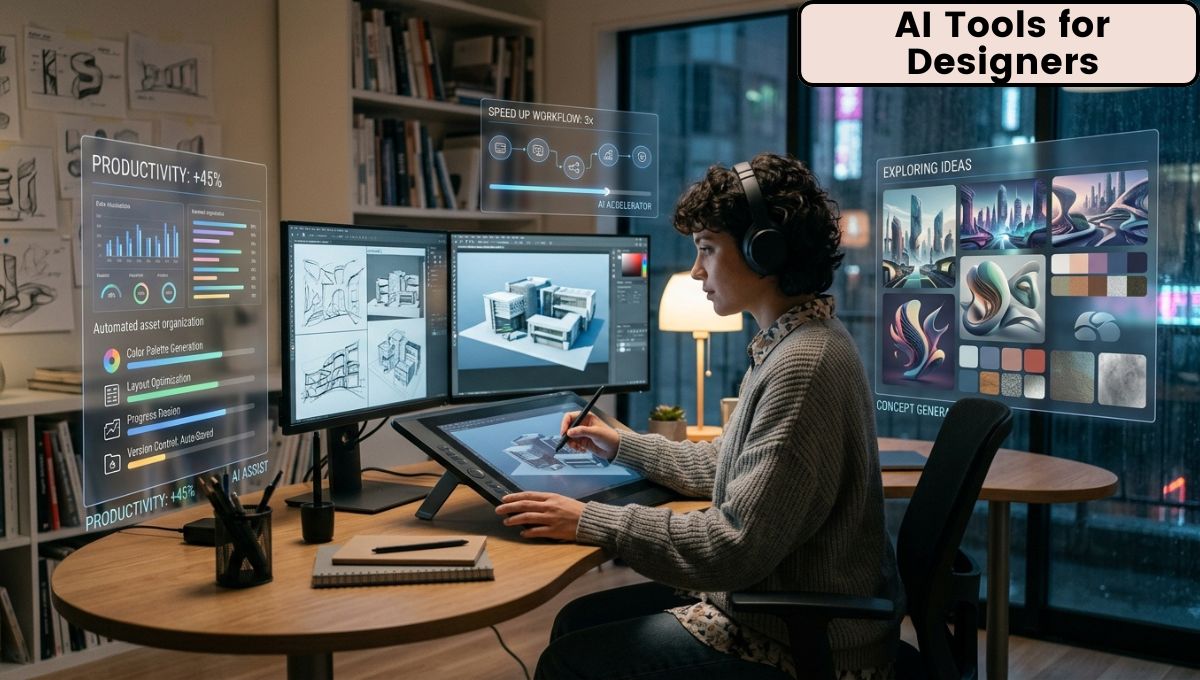
Artificial Intelligence (AI) is transforming the design industry at an incredible pace. What once required hours of manual effort can now be completed in minutes with the help of intelligent AI-powered tools. From creating logos and social media graphics to editing images, generating illustrations, designing user interfaces, and producing marketing materials, AI has become an essential assistant for designers across every creative field.
Today, both beginners and experienced professionals are using AI Tools for Designers to improve productivity, explore new ideas, and speed up their creative workflows. Rather than replacing human creativity, AI enhances it by handling repetitive tasks, generating multiple design concepts, suggesting color palettes, improving image quality, and simplifying complex editing processes.
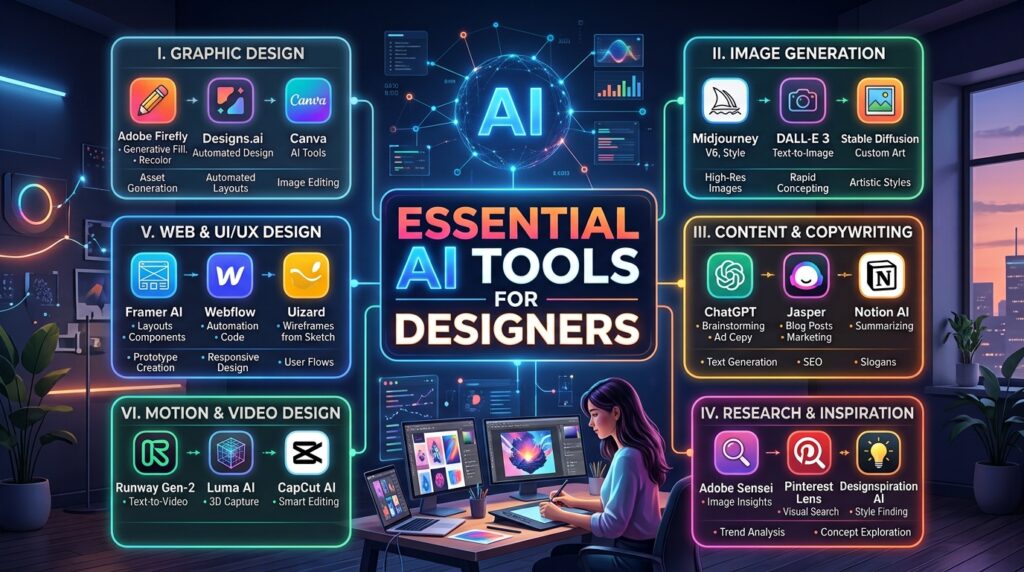
The demand for AI-powered design solutions continues to grow as businesses, agencies, freelancers, and content creators look for faster ways to produce high-quality visual content. Whether you are a graphic designer, UI/UX designer, web designer, illustrator, branding expert, digital marketer, or social media creator, AI tools can significantly improve the way you work.
What Are AI Tools for Designers?
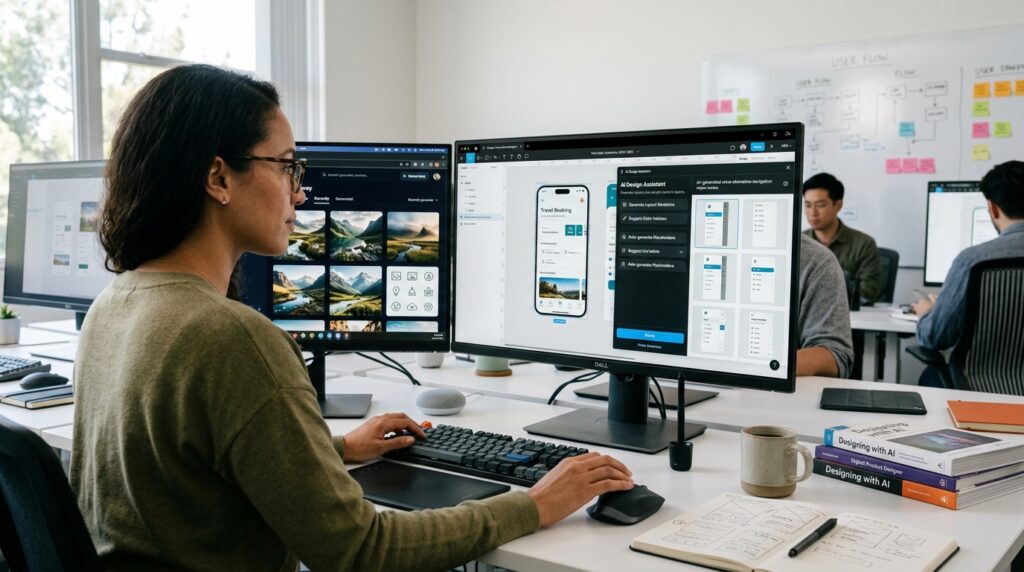
AI Tools for Designers are software applications that use artificial intelligence and machine learning technologies to assist with various design-related tasks. Instead of manually creating every element from scratch, designers can use AI to generate layouts, edit photos, remove backgrounds, create illustrations, produce icons, write marketing copy, design presentations, build websites, and even generate complete brand identities.
Unlike traditional design software that depends entirely on manual input, AI-powered platforms understand prompts, recognize visual patterns, and make intelligent suggestions. Designers remain in control of the final output, while AI acts as a creative partner that accelerates production and reduces repetitive work.
These tools are used across multiple industries, including advertising, publishing, e-commerce, education, entertainment, software development, architecture, fashion, and digital marketing.
Why AI Has Become Important for Designers
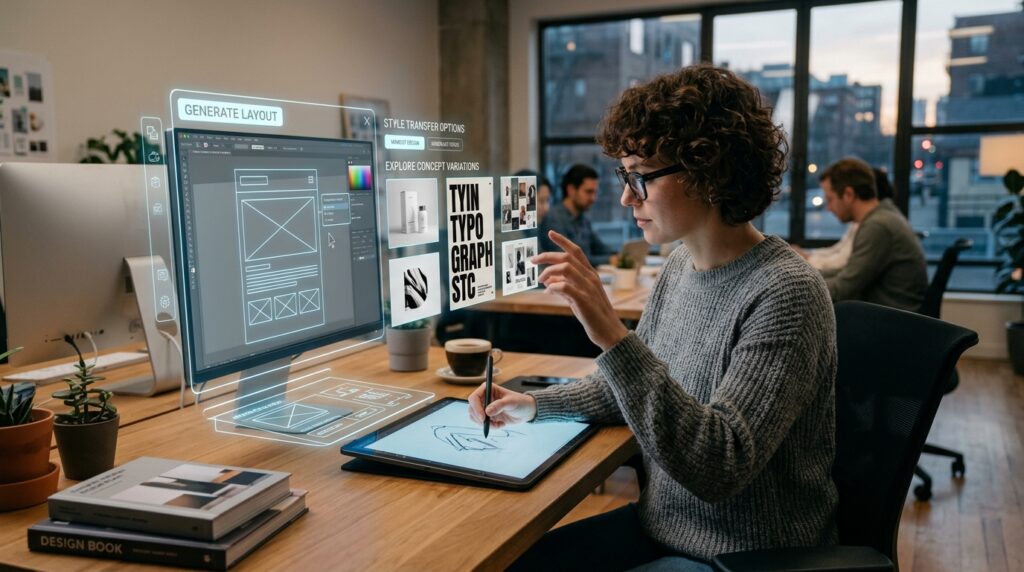
The design industry has become more competitive than ever before. Clients expect faster delivery, multiple design variations, consistent branding, and visually appealing content across numerous platforms. Meeting these expectations manually can be challenging, especially when managing multiple projects simultaneously.
AI helps designers overcome these challenges by automating repetitive tasks, reducing editing time, generating creative ideas, and improving workflow efficiency. Instead of spending hours removing image backgrounds or resizing graphics for different platforms, designers can complete these tasks within seconds.
AI also helps reduce creative blocks by providing fresh design suggestions, typography combinations, layout recommendations, and color palettes. This allows designers to spend more time refining ideas rather than starting from scratch.
How AI Is Changing the Design Industry
Artificial intelligence is changing nearly every stage of the design process. Designers can begin with a simple text prompt, and AI generates images, illustrations, mood boards, wireframes, or marketing visuals based on that description.
Photo editing has become much faster with AI-powered object removal, background replacement, image enhancement, and color correction. Presentation software can automatically generate professional slide layouts, while branding platforms can create logo concepts, typography suggestions, and complete brand kits.
Web designers benefit from AI-generated layouts, UI suggestions, and responsive design recommendations. Video creators can use AI for subtitles, voiceovers, animation, and editing. Social media managers can generate platform-specific creatives optimized for Instagram, Facebook, LinkedIn, YouTube, Pinterest, and TikTok.
These advancements are allowing creative professionals to produce more work without compromising quality.
Types of AI Design Tools
Different AI tools focus on different areas of design. Some specialize in image generation, while others focus on editing, branding, UI design, presentations, or video creation.
| AI Tool Category | Primary Purpose |
|---|---|
| Image Generation | Create artwork from text prompts |
| Photo Editing | Enhance, retouch, and edit images |
| Graphic Design | Social media posts, banners, posters |
| UI/UX Design | Wireframes, interfaces, prototypes |
| Logo Design | Logo concepts and branding |
| Presentation Design | AI-generated presentations |
| Video Editing | AI-assisted editing and animation |
| Background Removal | Remove or replace image backgrounds |
| Typography Tools | Font pairing and text styling |
| Brand Identity | Complete branding assets |
Each category serves a different purpose, and many professionals combine several AI tools to create an efficient workflow.
Best AI Tools for Graphic Designers
Graphic designers work on advertisements, brochures, posters, social media creatives, packaging, and marketing materials. AI tools simplify many of these tasks by generating layouts, resizing graphics, suggesting fonts, and automating repetitive edits.
Popular AI graphic design platforms can instantly create Instagram posts, Facebook banners, YouTube thumbnails, flyers, business cards, and promotional graphics. Designers can customize every element while saving significant production time.
These tools are especially valuable for freelancers and agencies managing multiple clients because they allow faster project delivery without sacrificing visual quality.
AI Image Generation Tools
One of the biggest innovations in recent years is AI image generation. Designers simply describe an idea using text, and AI creates realistic images, digital paintings, illustrations, concept art, or product mockups.
This technology has opened new possibilities for advertising agencies, game studios, publishers, and content creators. Instead of searching through stock image libraries, designers can generate unique visuals tailored specifically to a project.
AI-generated images can also be used as inspiration before creating the final artwork manually.
AI Photo Editing Tools
Traditional photo editing often involves time-consuming manual work such as removing unwanted objects, correcting colors, adjusting lighting, smoothing skin, sharpening images, and replacing backgrounds.
AI-powered editing software automates many of these tasks while maintaining professional-quality results. Modern AI can intelligently recognize people, objects, skies, buildings, and backgrounds, allowing precise edits with minimal effort.
Professional photographers and marketing teams use AI to process hundreds of images quickly while maintaining consistency across projects.
AI Logo Design Platforms
Creating a logo traditionally requires research, sketching, typography selection, and multiple revisions. AI-powered logo generators simplify this process by producing numerous logo concepts based on industry, company name, preferred colors, and design style.
Although professional designers still refine and customize these concepts, AI significantly speeds up the initial brainstorming process.
Branding platforms also generate matching business cards, social media kits, color palettes, icons, and typography recommendations.
AI Tools for UI and UX Designers
User Interface (UI) and User Experience (UX) designers benefit greatly from AI-powered design assistants. These tools can generate wireframes, recommend layouts, organize content hierarchy, and even suggest accessibility improvements.
Designers can quickly transform sketches into editable interface designs. AI also helps optimize spacing, typography, navigation, and responsive layouts for different screen sizes.
This reduces repetitive work while allowing designers to focus on creating better user experiences.
AI for Web Designers
Website creation has become much faster thanks to AI-powered website builders. Designers can generate complete landing pages, business websites, portfolios, blogs, and e-commerce layouts by providing simple instructions.
AI assists with page structure, image placement, typography, color selection, content organization, and responsive design. Designers can then customize every element to match client requirements.
This approach reduces development time while maintaining design quality.
AI Tools for Social Media Designers
Social media requires constant content creation. AI helps designers produce Instagram posts, stories, reels covers, YouTube thumbnails, Pinterest graphics, LinkedIn banners, and Facebook advertisements much faster.
AI also recommends image sizes, trending layouts, visual hierarchy, and color combinations suitable for different platforms.
Marketing teams benefit because they can create large volumes of branded content while maintaining visual consistency.
AI Video Design and Motion Graphics
Motion graphics and video editing often require extensive technical skills. AI simplifies editing by automatically removing silence, generating subtitles, adding transitions, enhancing audio, and creating animations.
Video creators can also generate promotional videos, product explainers, educational content, and marketing advertisements using AI-assisted editing workflows.
This technology has become valuable for YouTubers, digital marketers, and businesses producing regular video content.
AI for Illustration and Digital Art
Illustrators can use AI to generate concept sketches, fantasy artwork, character designs, environments, textures, and artistic references. AI accelerates the ideation stage while leaving final creative decisions to the artist.
Many digital artists combine AI-generated concepts with manual painting techniques to create original artwork more efficiently.
AI Presentation Design Tools
Business presentations require attractive layouts, charts, icons, and visual consistency. AI presentation tools automatically create professional slides based on text input, reducing the time spent arranging design elements manually.
These platforms also recommend icons, illustrations, color themes, and presentation structures suitable for business meetings, education, and marketing.
AI Branding Tools
Building a complete brand identity involves logos, typography, color palettes, business cards, social media templates, packaging, and style guides.
AI branding platforms generate multiple branding concepts while maintaining consistency across every visual asset.
This helps startups and small businesses establish professional branding quickly.
AI for Interior and Product Designers
AI is also helping interior designers and product designers visualize concepts before production. Designers can generate room layouts, furniture arrangements, color combinations, lighting ideas, packaging designs, and product mockups.
Clients benefit because they can preview ideas before finalizing projects, reducing revisions and improving communication.
Benefits of Using AI Tools for Designers
Using AI offers numerous advantages for creative professionals:
- Faster project completion
- Reduced repetitive work
- Better creative brainstorming
- Improved workflow efficiency
- Automatic image enhancement
- Easier collaboration
- Consistent branding
- Quick content resizing
- Higher productivity
- Reduced production costs
- Faster client approvals
- More time for creative thinking
These advantages make AI an excellent productivity partner rather than a replacement for human creativity.
Challenges and Limitations
Despite its advantages, AI has limitations. Generated designs may occasionally appear generic or require significant refinement. Designers should always review AI-generated work for originality, accuracy, and brand consistency.
Copyright concerns, licensing restrictions, ethical use of AI-generated content, and data privacy are also important considerations. Human creativity, strategic thinking, and emotional understanding remain essential in professional design work.
Best Practices for Using AI Responsibly
To get the best results from AI, designers should:
- Use AI for inspiration rather than complete dependence.
- Customize generated designs to maintain originality.
- Verify copyright and licensing requirements.
- Protect confidential client information.
- Combine AI efficiency with professional design skills.
- Maintain consistent branding across projects.
- Keep learning new AI technologies as they evolve.
Responsible use ensures AI becomes a valuable assistant while preserving creativity and design quality.
Future of AI in the Design Industry
AI technology continues to improve rapidly. Future design tools are expected to provide more personalized design recommendations, better collaboration features, advanced 3D generation, intelligent branding systems, real-time client feedback integration, and even more realistic image creation.
As AI becomes more capable, designers who understand how to combine artificial intelligence with human creativity will remain highly competitive. Rather than replacing creative professionals, AI will continue to enhance productivity, simplify workflows, and expand creative possibilities.
Conclusion
Artificial intelligence has become one of the most valuable innovations in modern design. From image generation and branding to web design, UI development, video editing, and social media content creation, AI Tools for Designers are helping professionals work more efficiently while maintaining high creative standards.
The growing adoption of Design Productivity Tools demonstrates that AI is no longer a future technology—it is an essential part of today’s creative workflow. Designers who embrace these tools thoughtfully can deliver better results, complete projects faster, and focus on the creative decisions that truly require human imagination.