
Artificial intelligence has rapidly transformed the digital design industry, changing the way creators, marketers, businesses, and professionals approach content creation. In earlier years, producing high-quality visual content required advanced software knowledge, years of design experience, and significant time investment. Designers had to manually create layouts, edit images, build graphics from scratch, and spend hours perfecting even relatively simple creative projects.
Today, artificial intelligence has dramatically simplified that process.

With modern AI-powered design tools, users can generate professional-quality visuals, edit photos, create social media content, produce presentations, design marketing materials, and even generate artwork simply by typing text prompts.
This shift has made creative production faster, more efficient, and accessible to people with little or no traditional design experience.
As the AI design space continues to expand, two major platforms have emerged as industry leaders: Canva AI and Adobe Firefly.
These platforms have become central to discussions around the future of creative technology because both offer advanced AI-powered capabilities while serving somewhat different audiences.
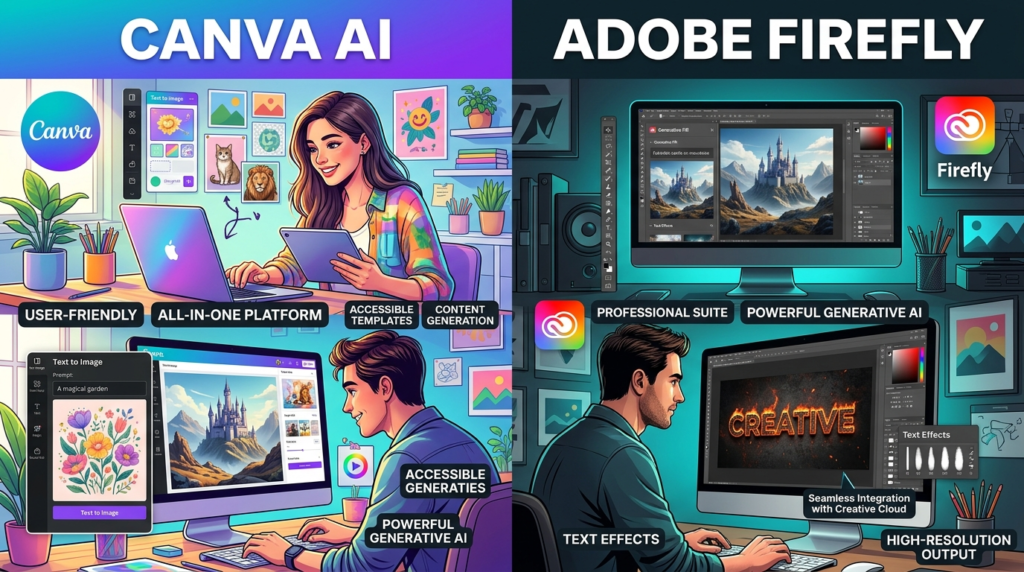
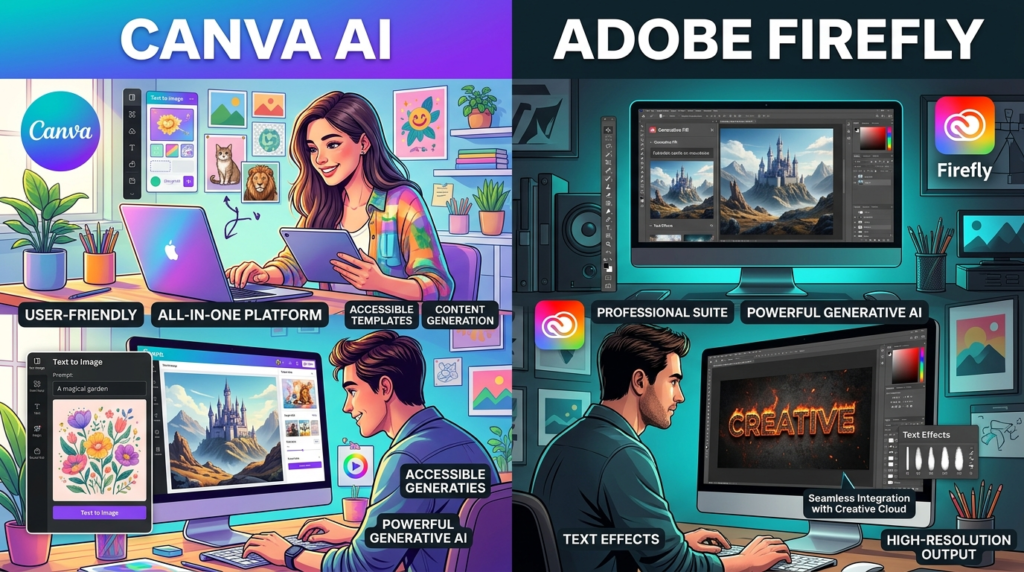
On one side, Canva AI builds on Canva’s reputation as one of the world’s most accessible design platforms, empowering users with drag-and-drop simplicity enhanced by intelligent automation.
On the other side, Adobe Firefly represents Adobe’s vision for professional-grade generative AI, offering advanced creative control integrated into the company’s long-established ecosystem of professional design software.
The comparison between Canva AI vs Adobe Firefly has become increasingly relevant for businesses, content creators, agencies, students, educators, marketers, and professional designers who are deciding which platform best fits their needs.

Choosing the right platform is not simply about selecting the tool with the most features.
It requires understanding how each platform performs across multiple areas, including:
Ease of use
Image generation quality
Editing precision
Creative flexibility
Pricing
Workflow integration
Collaboration tools
Commercial usability
Scalability for professional projects
This detailed comparison explores every major aspect of these two leading AI design tools, helping users determine which platform offers the best value depending on their goals.
By the end of this guide, readers will have a clear understanding of where Canva AI excels, where Adobe Firefly leads, and which platform is the better investment for different types of creators.
Understanding Canva AI and Adobe Firefly
Before comparing specific features, it is important to understand what each platform is designed to do.
Although both are AI-powered design tools, their philosophy, structure, and primary audience differ significantly.
What is Canva AI?
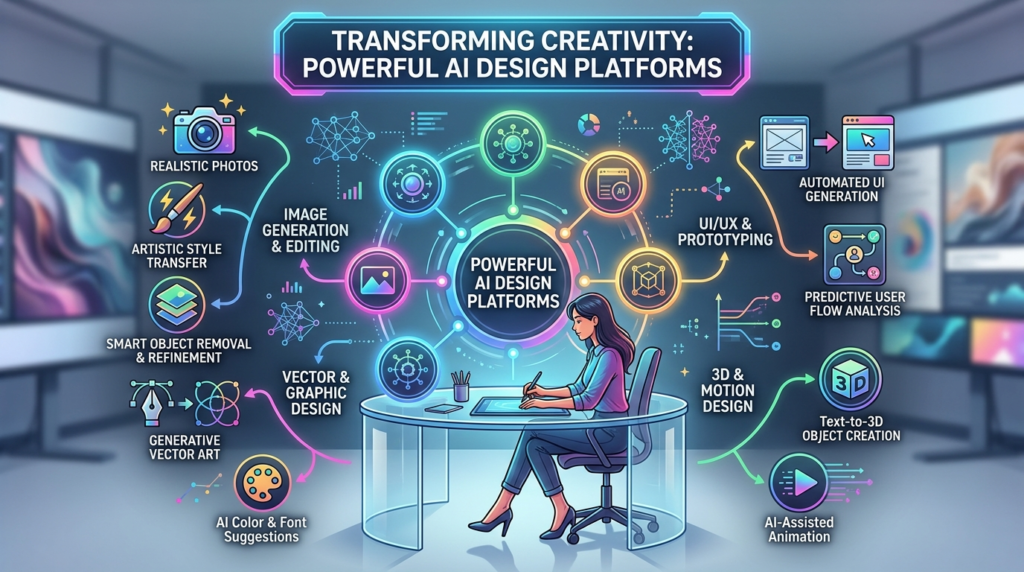
Canva AI is the artificial intelligence-powered extension of Canva, the globally popular graphic design platform known for making design simple and accessible.
Canva became successful because it removed much of the complexity traditionally associated with graphic design software.
Instead of requiring technical design expertise, Canva allows users to create visuals through drag-and-drop functionality, pre-built templates, and intuitive editing tools.
With the introduction of AI-powered capabilities, Canva has expanded beyond template-based design into intelligent content generation.
Its AI features include:
Magic Design
Magic Write
Text-to-image generation
Automatic layout creation
AI presentation builder
Background remover
Instant design suggestions
Smart resizing
Brand consistency tools
The purpose of Canva AI is clear: help users create polished, professional visuals as quickly and easily as possible.
It is designed primarily for:
Small businesses
Social media creators
Students
Teachers
Entrepreneurs
Content marketers
Non-design professionals
Its strength lies in making design accessible.
What is Adobe Firefly?
Adobe Firefly is Adobe’s dedicated generative AI platform.
Unlike Canva AI, which focuses heavily on workflow simplicity, Adobe Firefly emphasizes creative precision and professional-grade generation.
Firefly was developed as part of Adobe’s broader Creative Cloud ecosystem and integrates deeply with products like:
Photoshop
Illustrator
Adobe Express
Adobe Creative Cloud workflows
Its AI features include:
Text-to-image generation
Generative fill
Object replacement
Text effects
Vector recoloring
Advanced compositional control
High-quality prompt-based image generation
Adobe Firefly is aimed at:
Professional designers
Creative agencies
Photographers
Digital artists
Branding specialists
Advanced visual content creators
Its goal is not simply to simplify design.
Its goal is to enhance professional creative workflows with AI-powered acceleration.
This distinction defines much of the difference between these platforms.
Core Philosophy: Accessibility vs Precision
The most important difference between these two platforms lies in their design philosophy.
Canva AI is built around accessibility.
Its mission is to ensure that almost anyone can create professional-looking content regardless of design background.
The platform prioritizes:
Speed
Ease of use
Convenience
Ready-made design structures
It assumes users often need quick, polished output rather than deep manual control.
Adobe Firefly, in contrast, is built around precision and creative freedom.
Its mission is to empower professionals to generate and manipulate visuals at a highly refined level.
It prioritizes:
Creative control
Professional-grade editing
Customization depth
Advanced output quality
Understanding this philosophical difference helps explain many of the feature differences explored later.
Feature Comparison
A direct side-by-side comparison provides a clearer picture.
| Feature | Canva AI | Adobe Firefly |
|---|---|---|
| AI image generation | Yes | Yes |
| Text-to-image | Yes | Yes |
| AI writing support | Yes | Limited |
| Presentation generation | Yes | No |
| Video design support | Yes | Limited |
| Professional photo editing | Basic | Advanced |
| Generative fill | Limited | Advanced |
| Photoshop integration | No | Yes |
| Illustrator integration | No | Yes |
| Drag-and-drop editor | Excellent | Limited |
| Template library | Massive | Moderate |
| Team collaboration | Excellent | Moderate |
| Brand kit support | Strong | Strong |
| Commercial licensing | Yes | Yes |
| Advanced vector editing | Limited | Strong |
This table reveals that while both tools are feature-rich, their strengths differ considerably.
Canva AI provides broader everyday usability.
Adobe Firefly provides deeper professional capabilities.
Ease of Use and Learning Curve
Ease of use is one of the most critical decision-making factors.
Canva AI User Experience
Canva AI is widely regarded as one of the easiest design platforms available.
Its interface is exceptionally intuitive.
Users can quickly:
Select templates
Generate content
Customize visuals
Add branding
Resize outputs
Publish content
The AI tools are seamlessly embedded within the workflow.
For example, users can simply describe what they want, and Canva generates suggested layouts instantly.
The platform is highly beginner-friendly.
Even users with zero design experience can produce quality results quickly.
Adobe Firefly User Experience
Adobe Firefly has made professional design more accessible than traditional Adobe software.
However, it still carries some of Adobe’s complexity.
Users often benefit from familiarity with concepts like:
Layer management
Masking
Selections
Composition refinement
Firefly is smoother than Photoshop for newcomers, but it remains more advanced than Canva.
Ease of Use Verdict
For accessibility: Canva AI
For advanced users comfortable with creative software: Adobe Firefly
AI Image Generation Quality
Image generation quality is a major factor for many users.
Canva AI Output Quality
Canva AI produces visually appealing results suitable for:
Social media graphics
Blog visuals
Marketing posts
Business presentations
Educational materials
Its strengths include:
Clean visuals
Quick generation
Strong template compatibility
Its limitations include:
Less realism
Reduced fine-detail precision
Occasional prompt inconsistency
Adobe Firefly Output Quality
Adobe Firefly is known for superior output quality.
Its generated visuals often demonstrate:
Better realism
Sharper details
Improved texture rendering
More accurate lighting
Stronger compositional balance
This higher fidelity makes Firefly more suitable for professional creative production.
Image Quality Winner
Adobe Firefly
Creative Control and Flexibility
Flexibility determines how deeply users can refine outputs.
Canva AI
Canva favors guided workflows.
This speeds up creation but limits granular control.
Users work within structured design environments.
This is ideal for efficiency but less suitable for highly customized artistic work.
Adobe Firefly
Firefly offers significantly more creative freedom.
Users can:
Refine prompts iteratively
Replace visual elements
Control generated areas
Adjust compositional complexity
This makes it better for advanced experimentation.
Creative Flexibility Winner
Adobe Firefly
Template Library
Templates remain critical for productivity.
Canva AI Templates
Canva offers one of the largest template collections available.
Categories include:
Instagram posts
YouTube thumbnails
Business presentations
Flyers
Logos
Certificates
Resumes
Advertisements
This dramatically reduces creation time.
Adobe Firefly Templates
Firefly focuses more on original generation than templates.
Adobe Express provides templates, but Firefly itself is less template-driven.
Template Winner
Canva AI
Professional Editing Capabilities
This is one of the most decisive differences.
Canva AI Editing
Canva supports:
Cropping
Resizing
Background removal
Basic adjustments
Simple effects
These are useful but limited.
Adobe Firefly Editing
Firefly offers advanced capabilities like:
Generative fill
Object insertion
Object removal
High-precision masking
Professional retouching
This level of control far exceeds Canva.
Editing Winner
Adobe Firefly
Collaboration Features
Team collaboration is increasingly important.
Canva AI Collaboration
Canva excels here.
Features include:
Real-time editing
Comments
Shared workspaces
Brand asset libraries
Permission controls
These tools make Canva ideal for businesses.
Adobe Firefly Collaboration
Adobe collaboration exists but is more suited to professional creative pipelines than quick collaborative content production.
Collaboration Winner
Canva AI
Workflow Integration
Canva AI
Integrates with:
Google Drive
Dropbox
Social media scheduling
Presentation tools
Website workflows
This supports broad business use.
Adobe Firefly
Integrates deeply with:
Photoshop
Illustrator
Creative Cloud
Adobe Express
This is invaluable for professional designers.
Pricing Comparison
| Plan Type | Canva AI | Adobe Firefly |
|---|---|---|
| Free plan | Strong | Limited |
| Entry-level pricing | Lower | Higher |
| Team pricing | Competitive | Premium |
| Enterprise plans | Available | Available |
Canva AI Pricing
Affordable and accessible.
Strong value for general creators.
Adobe Firefly Pricing
Premium pricing aligned with professional capabilities.
Pricing Winner
Affordability: Canva AI
Professional value: Adobe Firefly
Who Should Use Canva AI?
Canva AI is ideal for:
Small businesses
Students
Teachers
Content marketers
Social media creators
Beginners
Entrepreneurs
It is best for users prioritizing speed and simplicity.
Who Should Use Adobe Firefly?
Adobe Firefly is ideal for:
Professional designers
Creative agencies
Photographers
Illustrators
Branding professionals
Advanced creators
It is best for users prioritizing precision and creative depth.
Pros and Cons
Canva AI Pros
Very easy to use
Large template library
Affordable pricing
Strong collaboration
Fast workflow
Canva AI Cons
Limited precision
Basic editing tools
Less advanced generation
Adobe Firefly Pros
Superior image quality
Professional editing
Advanced control
Strong Adobe integration
Adobe Firefly Cons
Higher pricing
Steeper learning curve
Less beginner-friendly
Real-World Use Cases
If a small business owner needs quick social media graphics, Canva AI is often the better choice.
If a creative agency needs advanced campaign visuals, Adobe Firefly is more suitable.
If a teacher needs classroom presentations, Canva is ideal.
If a digital artist needs detailed concept generation, Firefly is stronger.
Use case matters significantly.
Final Verdict: Canva AI vs Adobe Firefly
The answer depends entirely on user priorities.
If users value:
Simplicity
Affordability
Templates
Fast publishing
Then Canva AI is the better option.
If users need:
Advanced editing
Professional image generation
Creative precision
Adobe integration
Then Adobe Firefly is the stronger platform.
Neither tool completely replaces the other.
They serve different creative audiences.
Conclusion
The rapid advancement of AI design tools has fundamentally changed digital creativity.
Both Canva AI and Adobe Firefly represent important milestones in this evolution.
Canva AI succeeds by making design accessible to everyone.
Its intuitive interface, massive template ecosystem, affordability, and collaboration features make it one of the best choices for everyday creators.
It empowers users to create polished content quickly without technical complexity.
Adobe Firefly, meanwhile, represents the future of professional generative design.
Its superior image quality, advanced editing capabilities, and seamless Adobe ecosystem integration make it a powerful tool for professionals seeking creative precision.
The decision between Canva AI vs Adobe Firefly ultimately comes down to one key question:
Do users prioritize speed and simplicity, or professional-grade creative control?
For everyday design efficiency, Canva AI leads.
For advanced creative production, Adobe Firefly stands ahead.
As AI continues to reshape the creative industry, both platforms are likely to remain major players in defining the future of digital design.