Artificial Intelligence has rapidly changed the way developers write, debug, and manage software. What started as simple autocomplete suggestions has now evolved into advanced AI coding agents capable of understanding entire codebases, generating applications, fixing bugs, refactoring projects, and even handling multi-step development tasks automatically.
The rise of AI coding tools has significantly improved developer productivity across startups, enterprises, and freelance projects. Modern AI coding assistants can now help with code generation, debugging, documentation, testing, deployment, and software architecture decisions. As competition in the AI industry grows, developers are comparing platforms not only on coding quality but also on context awareness, integrations, automation, pricing, and workflow compatibility.
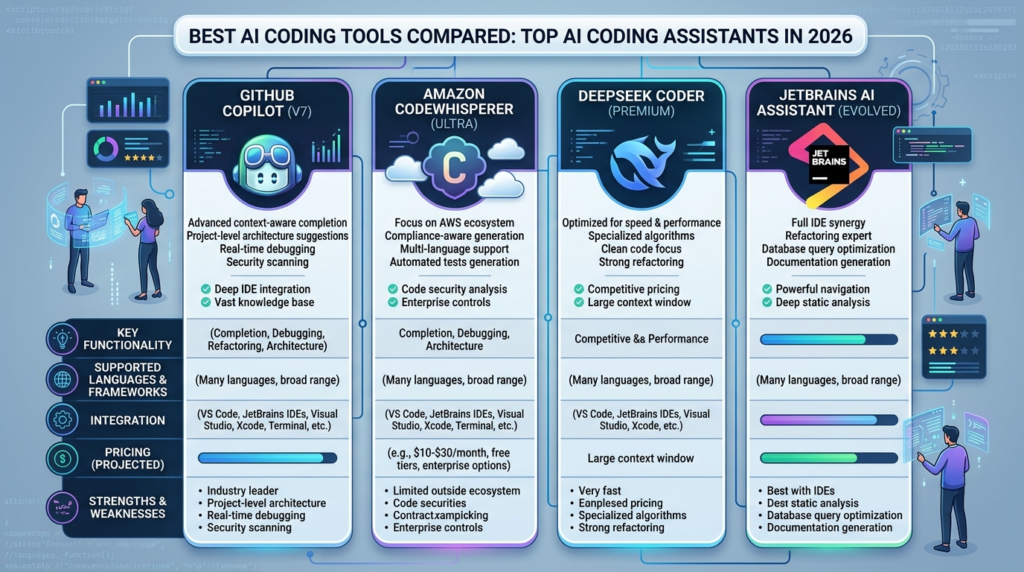
Today, tools like Cursor, Claude Code, GitHub Copilot, Windsurf, Codex, and Amazon Q are among the most discussed AI coding platforms in the developer community. Recent reviews, industry testing, and developer discussions show that no single tool dominates every workflow.
Why AI Coding Tools Are Becoming Essential
Software development has become increasingly complex. Developers are expected to ship products faster, manage larger codebases, and maintain higher quality standards. Traditional development workflows often involve repetitive coding tasks, documentation work, debugging, and code reviews that consume significant time.
This is where AI coding assistants are making a major impact. These tools can now:
- Generate code from natural language prompts
- Refactor large projects
- Explain complex functions
- Create unit tests
- Detect bugs and vulnerabilities
- Automate repetitive tasks
- Assist with documentation
- Improve developer productivity
Research papers published in 2026 also show that AI coding agents are now contributing to a large number of GitHub pull requests across real-world projects.
Many developers are no longer using AI tools only for autocomplete. Instead, they are increasingly relying on autonomous “agentic” coding workflows where AI handles larger multi-step tasks independently.
Top AI Coding Tools Compared
| AI Coding Tool | Best For | Main Strength | Free Version | Ideal Users |
|---|---|---|---|---|
| Cursor | Overall coding workflow | AI-native IDE experience | Yes | Developers, startups |
| Claude Code | Complex reasoning | Large codebase understanding | Limited | Advanced developers |
| GitHub Copilot | Everyday coding | Fast autocomplete | Yes | General programmers |
| Windsurf | AI-assisted workflows | Strong free features | Yes | Students, indie developers |
| Codex | AI code generation | Autonomous coding tasks | Limited | Professional developers |
| Amazon Q | AWS development | Cloud integration | Yes | Enterprise teams |
| Tabnine | Privacy-focused coding | Local AI deployment | Yes | Enterprises |
| Codeium | Free AI assistance | Affordable coding support | Yes | Beginners, freelancers |
Cursor Is Considered the Best Overall AI Coding Editor
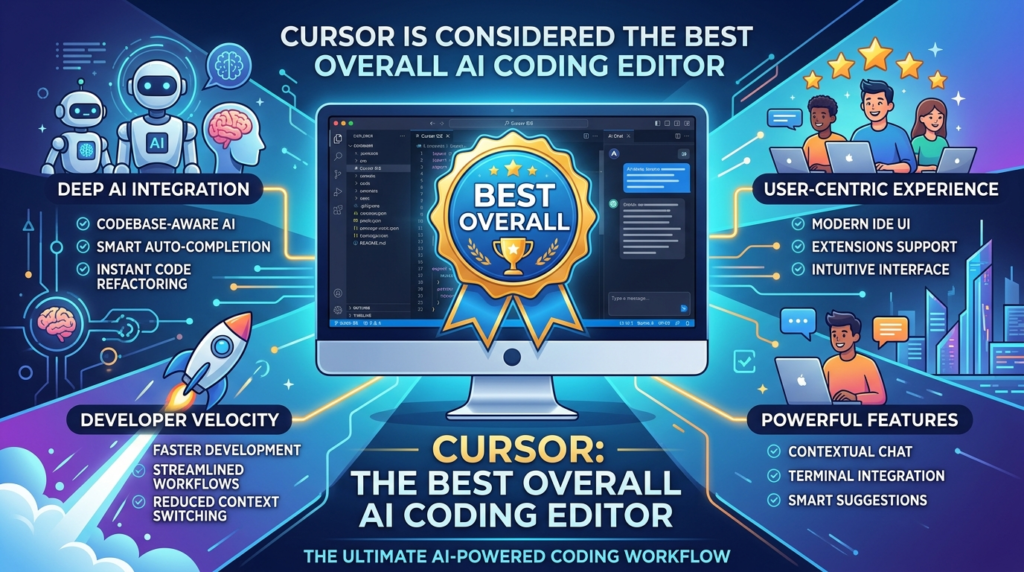
Cursor has become one of the most popular AI-native coding environments among developers. The platform is built on top of Visual Studio Code but adds deep AI integration directly into the development workflow.
Recent industry reviews consistently rank Cursor as one of the strongest overall AI coding tools because of its codebase awareness, multi-file editing, and smooth user experience.
One major advantage of Cursor is its “Agent Mode,” which allows the AI assistant to handle larger development tasks across multiple files. Developers can ask Cursor to refactor components, build features, debug issues, or explain code using natural language.
The platform also supports multiple AI models, including Anthropic, OpenAI, and Google systems, giving users flexibility depending on their coding needs. Many developers on Reddit describe Cursor as the best all-around coding assistant currently available for daily programming work.
Claude Code Excels at Deep Reasoning and Refactoring
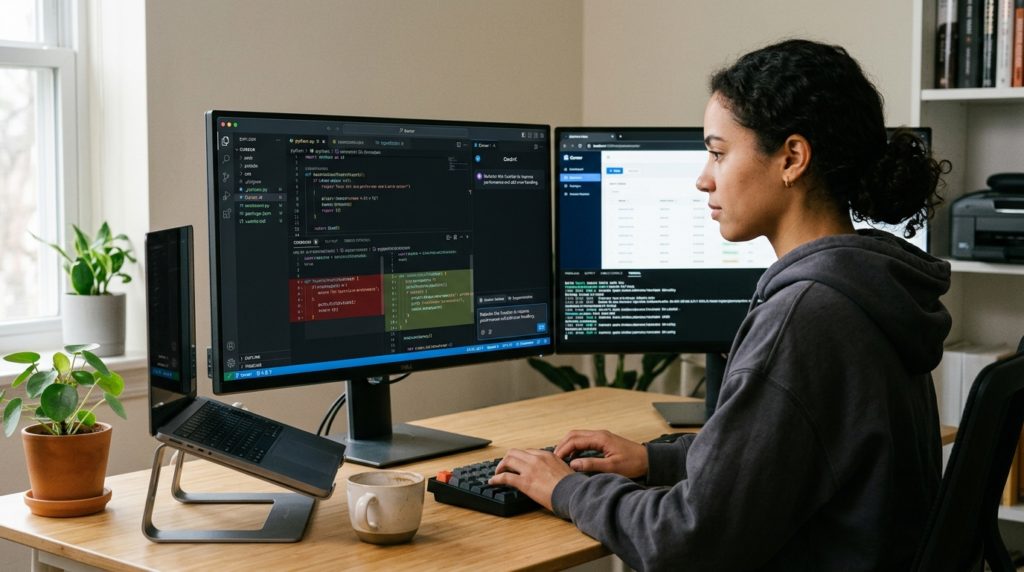
Claude Code, developed by Anthropic, focuses heavily on reasoning, large context handling, and autonomous coding workflows. Unlike traditional autocomplete systems, Claude Code is designed more as an advanced coding agent capable of understanding large repositories and complex development tasks.
Recent comparisons show that Claude Code performs especially well in documentation, debugging, feature implementation, and large-scale refactoring.
One of its strongest advantages is the massive context window, allowing it to process and reason across very large codebases. Developers often use Claude Code for architecture planning, deep debugging, and multi-step engineering tasks.
Community discussions also suggest that Claude Code works particularly well for terminal-based workflows and advanced software engineering use cases.
However, some users note that Claude Code may feel slower compared to IDE-native tools like Cursor or GitHub Copilot for rapid inline coding tasks.
GitHub Copilot Remains the Most Popular Mainstream Choice
GitHub Copilot, backed by Microsoft and GitHub, remains one of the most widely adopted AI coding assistants in the software industry. The tool integrates directly into popular IDEs like Visual Studio Code and JetBrains products, making adoption very simple for developers.
Copilot is especially known for fast autocomplete suggestions, boilerplate generation, and broad language support. Many teams continue to prefer GitHub Copilot because of its enterprise features, GitHub integration, and mature ecosystem.
Recent reports also show that GitHub has expanded Copilot’s capabilities by integrating AI agents like Claude and Codex into its ecosystem.
For developers who want stable, familiar workflows without switching to a fully AI-native IDE, Copilot remains a highly practical option.
Windsurf Is Emerging as a Strong Alternative
Windsurf has quickly gained attention as a strong alternative to Cursor and Copilot. The platform focuses heavily on AI-assisted workflows, code understanding, debugging, and collaborative development.
Industry reviews often describe Windsurf as offering Cursor-style capabilities with strong free-tier support and competitive pricing.
The platform includes AI-powered editing, code suggestions, debugging assistance, and workflow automation tools. Many developers appreciate its balance between modern AI features and usability.
Community feedback also suggests that Windsurf performs especially well for developers who want advanced AI coding support without committing to expensive enterprise tools.
Codex Continues Expanding Autonomous Coding
Codex, developed by OpenAI, continues to evolve as part of the growing trend toward autonomous AI software engineering. Instead of only generating snippets, Codex focuses more on completing larger programming tasks independently.
Research studies analyzing AI-generated pull requests found that Codex performs strongly across multiple software engineering categories.
Developers use Codex for feature generation, code transformation, automation, and backend workflows. While newer AI-native editors like Cursor dominate interactive coding experiences, Codex remains important for autonomous coding workflows and agentic development systems.
Amazon Q Targets Enterprise Cloud Development
Amazon Q is designed primarily for developers working inside Amazon Web Services environments. The platform integrates with AWS infrastructure and helps developers generate cloud-related code, troubleshoot deployments, and automate workflows.
Enterprise teams working with AWS often use Amazon Q for infrastructure management, cloud automation, and enterprise software support.
Although it may not have the same popularity among independent developers as Cursor or Claude Code, Amazon Q remains highly relevant for large organizations already operating within the AWS ecosystem.
Tabnine Focuses on Privacy and Enterprise Control
Tabnine continues to attract developers and enterprises focused on privacy and secure AI deployments. Unlike many cloud-based AI systems, Tabnine supports local deployments and private AI models for organizations handling sensitive codebases.
This makes it useful for finance, healthcare, and enterprise development teams where data security and compliance are critical requirements.
Tabnine may not always lead in advanced reasoning compared to newer agentic tools, but its privacy-focused approach remains valuable for many businesses.
Codeium Offers Strong Free AI Coding Support
Codeium has become popular among students, freelancers, and budget-conscious developers because of its generous free-tier offering. The platform provides autocomplete, chat assistance, and coding support across multiple IDEs.
For beginners and casual developers, Codeium offers an accessible way to use AI coding tools without expensive subscriptions.
Although it may not match Cursor or Claude Code in advanced autonomous workflows, it remains a practical option for everyday coding assistance.
Important Features to Consider Before Choosing an AI Coding Tool
Different developers require different AI capabilities depending on their workflow, team structure, and project complexity.
Here are some important factors developers should evaluate:
| Feature | Why It Matters |
|---|---|
| Context awareness | Helps AI understand larger codebases |
| Multi-file editing | Important for large projects |
| IDE integration | Improves workflow efficiency |
| Reasoning quality | Better debugging and architecture support |
| Privacy and security | Important for enterprise teams |
| Pricing | Subscription costs vary significantly |
| Model support | Access to multiple AI models increases flexibility |
| Agent workflows | Useful for autonomous coding tasks |
Choosing the right platform depends heavily on whether the user is a beginner, enterprise engineer, indie developer, or advanced software architect.
AI Coding Agents Are Rapidly Changing Software Development
The AI coding industry is evolving extremely quickly. Modern systems are moving beyond autocomplete toward fully autonomous engineering workflows. Research published in 2026 shows that AI coding agents are increasingly contributing to real-world GitHub repositories and pull requests.
Developers are also creating standardized configuration systems for AI coding agents using files like AGENTS.md and repository-level instructions.
At the same time, companies are racing to build AI-first development environments where coding assistants act more like collaborative software engineers rather than simple productivity tools.
Conclusion
The competition among AI coding tools has created powerful options for developers across different workflows and experience levels. Platforms like Cursor, Claude Code, GitHub Copilot, Windsurf, Codex, Amazon Q, Tabnine, and Codeium each offer unique advantages depending on coding needs and project requirements.
Some tools focus on fast autocomplete and workflow simplicity, while others specialize in deep reasoning, autonomous coding, large codebase understanding, or enterprise security.
Among current industry leaders, Cursor is widely viewed as the best all-around AI-native editor, while Claude Code stands out for complex reasoning and large-scale software engineering tasks. GitHub Copilot continues to dominate mainstream adoption because of its ease of use and ecosystem integration.
As AI technology continues to improve, coding assistants are expected to become even more integrated into software engineering, automation, testing, deployment, and product development workflows.